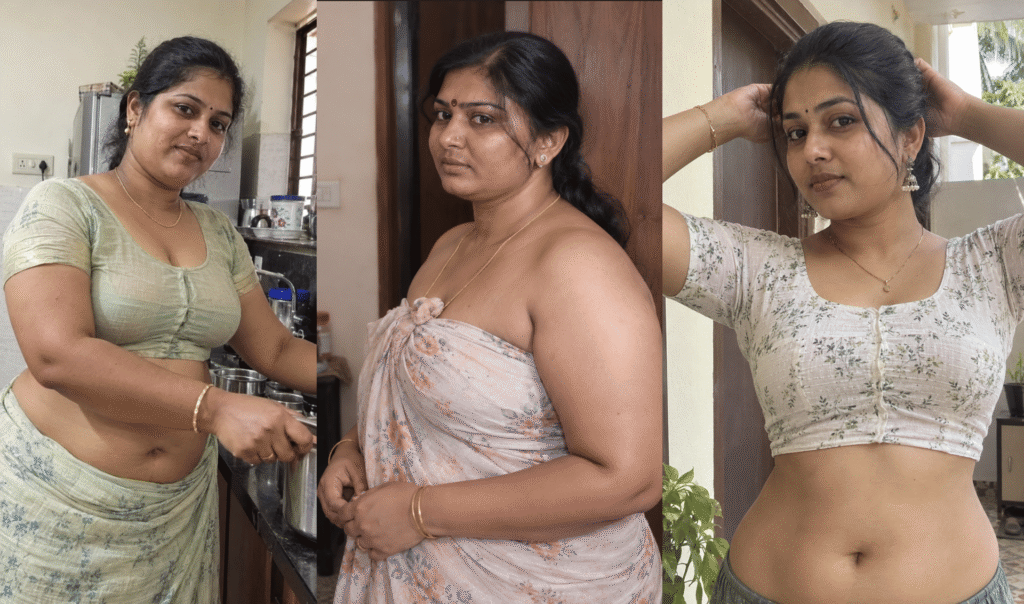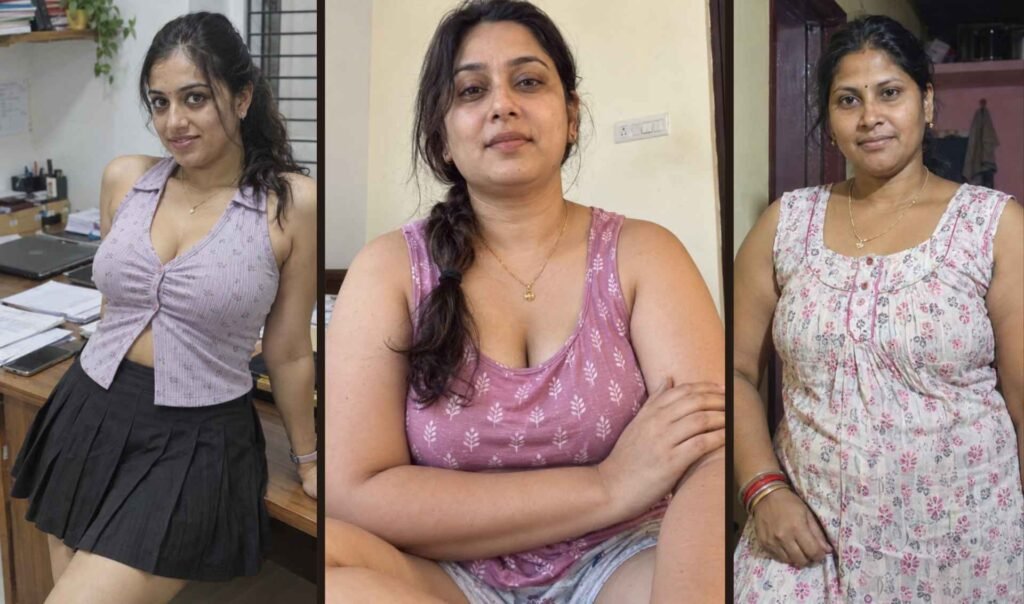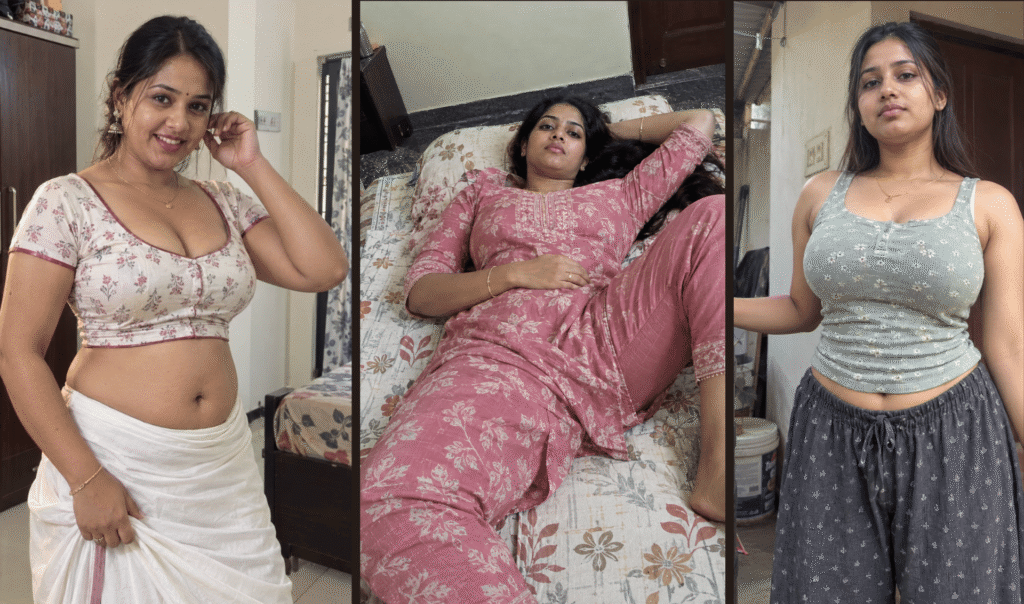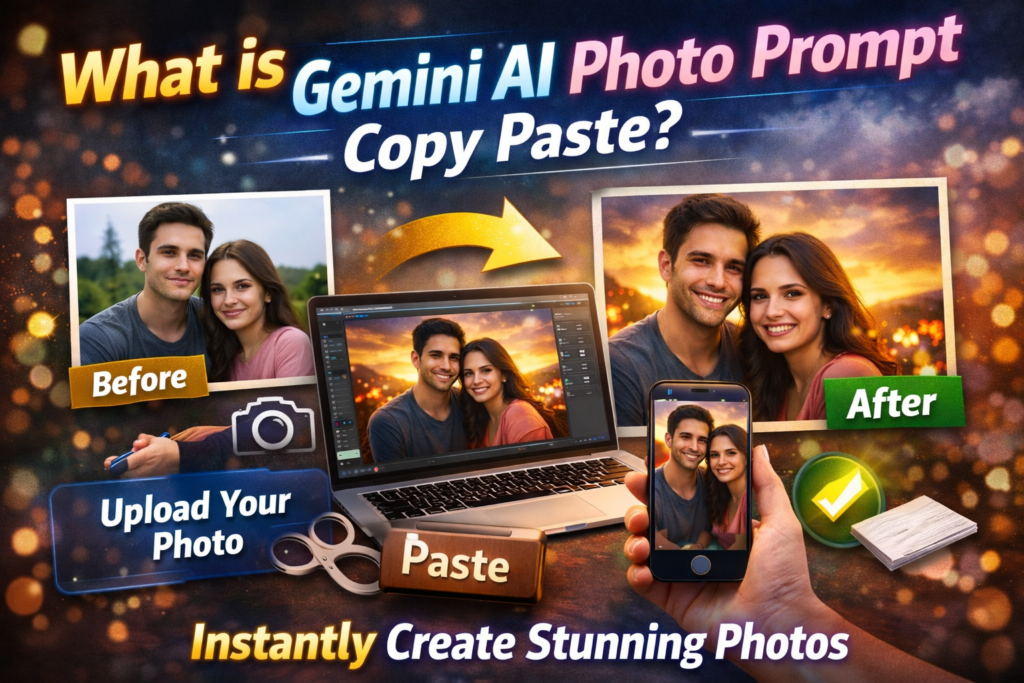
If you have ever searched for “Gemini AI photo prompt copy paste,” you are probably looking for ready-made text that you can paste into Gemini to create or edit an image.
A Gemini AI photo prompt is simply a description that tells Gemini exactly what kind of image you want. Instead of writing everything yourself, you can copy a prepared prompt and paste it directly into Gemini.
For example, instead of typing:
make a beautiful photo
You can paste a more detailed prompt like:
Create an ultra-realistic portrait of a young woman standing in light rain during sunset, wearing a dark green saree with gold border, soft cinematic lighting, realistic skin texture, detailed eyes, DSLR photo, 85mm lens, blurred background, no AI look.
The second prompt gives Gemini much more information, so the result usually looks better, more realistic, and closer to what you want.
Why Do People Search for Gemini AI Prompt Copy Paste?
Many users do not know what to type inside Gemini. A short prompt often gives weak results. Ready-made prompts help because they:
- Save time
- Produce better-looking images
- Give more realistic faces and lighting
- Work well for editing uploaded photos
- Help beginners get good results immediately
People usually search for Gemini AI photo prompt copy paste when they want:
- Couple photo editing
- Boy or girl portrait prompts
- Traditional Indian dress prompts
- Festival photo editing
- Cinematic rain or sunset effects
- Professional-style profile picture prompts
- Face clear and realistic image prompts
How Gemini AI Photo Prompt Copy Paste Works
Gemini reads the text prompt and uses it like instructions.
The more details you give, the better the image usually becomes.
A good prompt usually contains 5 important parts:
- Subject
- Clothing or appearance
- Background or location
- Lighting and camera style
- Realism instructions
Example:
| Part | Example |
|---|---|
| Subject | A smiling couple standing together |
| Clothing | Woman in blue saree, man in white shirt |
| Background | Sunset beach with waves |
| Lighting | Golden hour light, cinematic look |
| Realism | Real skin texture, no AI look |
Best Gemini AI Photo Prompt Copy Paste Formula
You can use this simple formula for almost any image:
Create a realistic [person or scene] wearing [dress or style] in [location/background], with [lighting], DSLR camera effect, realistic skin texture, clear face, detailed eyes, natural shadows, cinematic color grading, no AI look.
Example:
Create a realistic young man wearing a black shirt standing near a rainy street at night, with blue and orange cinematic lighting, DSLR camera effect, realistic skin texture, clear face, detailed eyes, natural shadows, shallow depth of field, no AI look.
Best Ready-to-Use Gemini AI Photo Prompt Copy Paste Examples
1. Realistic Portrait Prompt
Create an ultra-realistic portrait of a young woman looking toward the camera, soft natural window light, detailed eyes, realistic skin texture, natural hair strands, DSLR 85mm lens, blurred background, no AI look.
2. Couple Photo Editing Prompt
Use the uploaded couple photo and transform it into a romantic sunset portrait. Keep both faces recognizable. Add warm golden lighting, realistic skin texture, soft blurred background, DSLR photo quality, clear face, no AI look.
3. Traditional Indian Prompt
Create a realistic South Indian woman wearing a red silk saree with jasmine flowers in her hair, standing near a temple entrance during evening light, cinematic lighting, realistic face, DSLR style, no AI look.
4. Rain Effect Prompt
Create a realistic portrait of a man standing in light rain at night, cinematic blue lighting, realistic water drops, clear face, detailed hair, DSLR effect, realistic skin texture, no AI look.
5. Profile Picture Prompt
Create a professional profile photo of a young man wearing a dark blazer, standing in front of a softly blurred office background, realistic skin texture, sharp face, DSLR portrait, no AI look.
How to Make Gemini Images Look Real Instead of AI-Made
Most people get bad results because the prompt is too short.
If you want the image to look real, add words like:
- realistic skin texture
- natural shadows
- detailed eyes
- natural hair strands
- DSLR photo
- 85mm lens
- cinematic lighting
- no AI look
- no over-smoothing
- realistic face proportions
A strong realism section can look like this:
Keep the face realistic with natural skin texture, slight imperfections, realistic pores, natural shadows, detailed eyes, no beauty filter, no cartoon effect, no AI look.
Best Words to Add Inside Gemini Prompt Copy Paste
| If You Want | Add These Words |
|---|---|
| Better face | clear face, sharp eyes, detailed skin |
| Better lighting | golden hour, soft cinematic lighting |
| Better background | blurred background, shallow depth of field |
| More realistic look | DSLR photo, 85mm lens, natural texture |
| No fake look | no AI look, no cartoon effect, no over-editing |
Common Mistakes in Gemini AI Prompts
Avoid these mistakes:
Too Short
Bad:
make nice girl photo
Better:
Create a realistic portrait of a young woman wearing a dark blue saree, standing near a garden during sunset, soft golden light, realistic face, detailed eyes, DSLR effect, no AI look.
Too Many Different Ideas
Bad:
make rain, beach, city, temple, red dress, blue light, day and night together
This confuses Gemini.
No Realism Instructions
If you do not mention realism, Gemini may create an image that looks too artificial.
Always include:
realistic skin texture, clear face, DSLR photo, no AI look
Can You Use Gemini AI Prompt Copy Paste for Uploaded Photos?
Yes. This is one of the most popular uses.
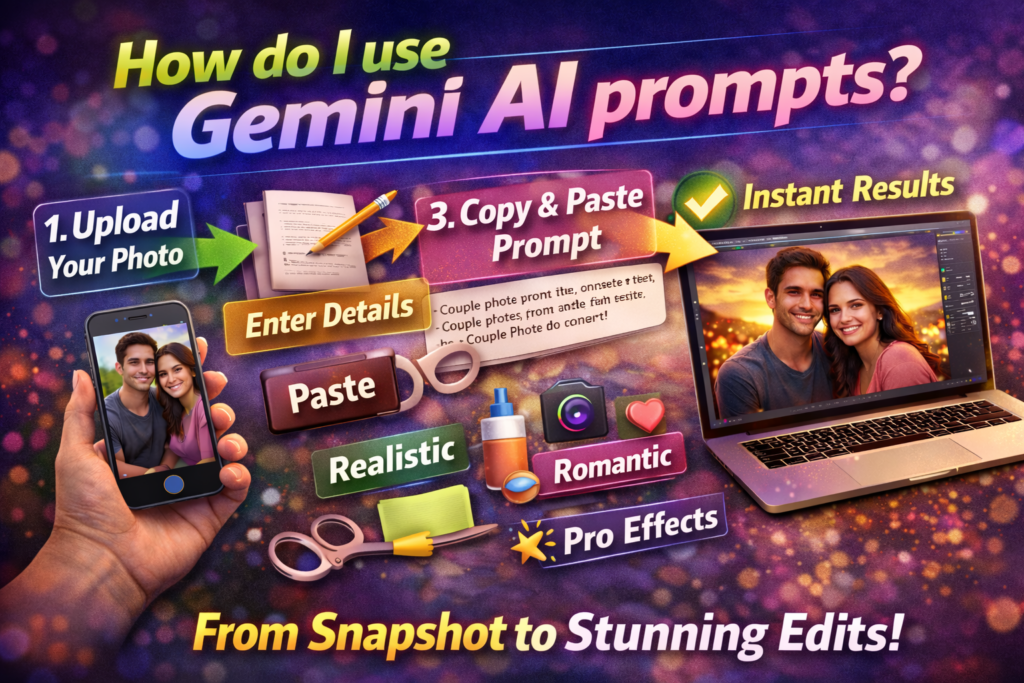
You can upload your own photo and then paste a prompt like:
Use the uploaded image only as the base reference. Keep the same person and face identity. Improve the photo with soft sunset lighting, realistic skin texture, clear face, natural hair, blurred background, cinematic DSLR look, no AI effect.
This helps Gemini edit the photo instead of creating a completely different person.
For photo editing, you can also add:
- keep same face identity
- keep same pose
- only change dress color
- make background more beautiful
- improve lighting naturally
Most Popular Gemini AI Prompt Categories in 2026
- Gemini AI couple prompt copy paste
- Gemini AI girl prompt copy paste
- Gemini AI boy prompt copy paste
- Gemini AI traditional dress prompt
- Gemini AI profile photo prompt
- Gemini AI photo editing prompt for uploaded image
- Gemini AI cinematic photo prompt
- Gemini AI realistic portrait prompt
These categories are popular because users want simple prompts they can copy instantly.
Final Conclusion
Gemini AI photo prompt copy paste means ready-made text prompts that you can paste directly into Gemini to create better images.
The best prompts usually include:
- What the person looks like
- What they are wearing
- Where they are standing
- What type of light and camera effect you want
- Instructions to keep the image realistic
If you want the best results, always add words like:
realistic skin texture, clear face, DSLR photo, cinematic lighting, no AI look
That small change alone can make Gemini create a much more realistic and professional image.
Some more you might like