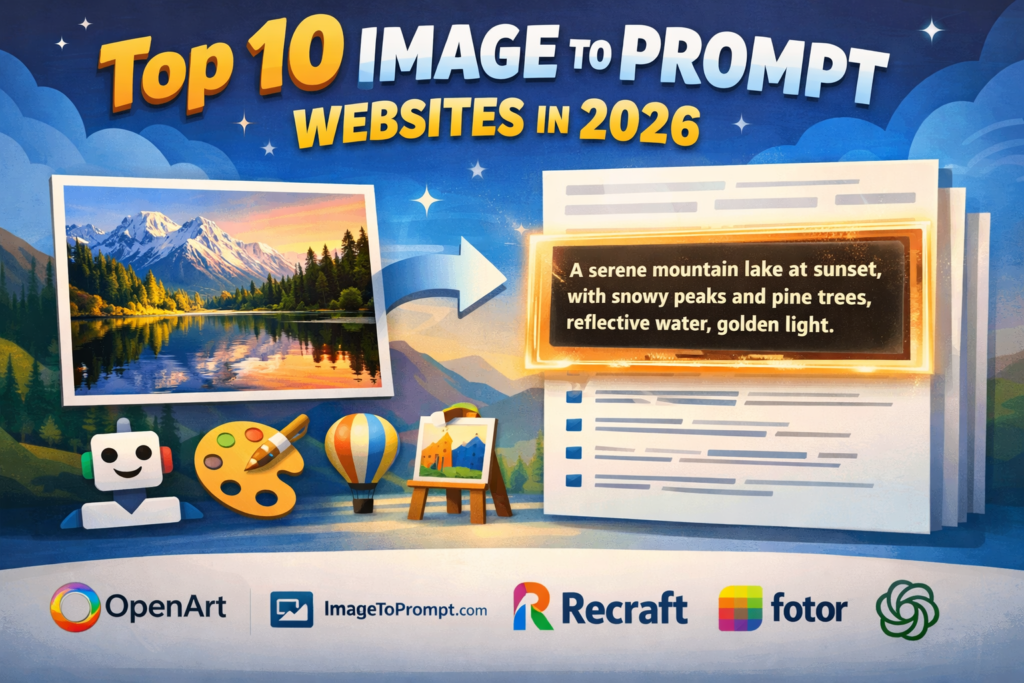
If you have ever seen an AI-generated image and wondered, “What prompt created this?”, you are not alone. In 2026, image to prompt tools have become one of the easiest ways to reverse-engineer photos, artworks, and AI images.
These websites analyze an uploaded image and generate a detailed text prompt that you can reuse in tools like Midjourney, Stable Diffusion, Flux, DALL·E, Gemini, and ChatGPT.
Some websites focus on speed, while others create more detailed prompts with style, lighting, camera angle, and composition.
Below are the 10 best image to prompt websites in 2026, including direct website links so you can access them quickly.
Quick Comparison Table
| Website | Best For | Free Plan | Main AI Models Supported |
|---|---|---|---|
| OpenArt | Overall best image-to-prompt workflow | Yes | Stable Diffusion, Flux, DALL·E |
| ImageToPrompt.com | Simple reverse prompt extraction | Yes | Stable Diffusion, SDXL |
| Recraft | Style and design prompt extraction | Yes | Recraft AI, Midjourney-style prompts |
| Fotor | Beginners and fast prompt generation | Yes | General AI image tools |
| ImagePrompt.org | Midjourney and Flux prompt output | Yes | Midjourney, Flux, SDXL |
| GeneratePrompt.ai | Lightweight and easy to use | Yes | Midjourney, ImageFX |
| Writingmate | Free image-to-prompt generator | Yes | General AI image tools |
| Zemith | Detailed image analysis | Limited | Stable Diffusion, Flux |
| MimicPC | Advanced reverse prompting | Limited | Flux, Stable Diffusion |
| ChatGPT | Natural-language prompt generation | Yes/Plus | DALL·E, general prompt writing |
1. OpenArt
Website: https://openart.ai/
OpenArt is the best overall image to prompt website in 2026 because it does more than simply describe an image. It analyzes the subject, style, colors, camera angle, background, and lighting, then generates a clean prompt that can immediately be reused.
OpenArt is especially useful if you want to upload an image, extract the prompt, and instantly create a similar new image on the same platform.
Why OpenArt stands out
- Very detailed prompt output
- Includes style, camera, lighting, and composition
- Works well for realistic, anime, cinematic, and portrait images
- Lets you generate a new image immediately after getting the prompt
Best for
- Midjourney-style images
- Realistic portraits
- Cinematic scenes
- Stable Diffusion and Flux users
2. ImageToPrompt.com
Website: https://imagetoprompt.com/
ImageToPrompt.com is one of the easiest and most focused reverse-prompt tools available. You upload an image, wait a few seconds, and the website creates a detailed prompt.
The biggest advantage is simplicity. There are no extra tools or confusing menus.
Pros
- Very easy to use
- Fast prompt extraction
- Good for beginners
- Works well with Stable Diffusion and SDXL
Cons
- Less detailed than OpenArt
- Limited advanced editing features
Best for
People who want a simple “upload image → get prompt” experience.
3. Recraft
Website: https://www.recraft.ai/
Recraft is one of the best choices if you want to understand the design style of an image.
Instead of only describing the subject, Recraft can identify:
- Color palette
- Art style
- Composition
- Graphic design elements
- Branding and illustration style
That makes it especially useful for logos, posters, product designs, and social media graphics.
Best for
- Designers
- Brand creators
- Social media graphics
- Vector and poster style prompts
4. Fotor Image to Prompt Generator
Website: https://www.fotor.com/features/image-to-prompt/
Fotor is one of the most beginner-friendly image to prompt websites in 2026. The interface is simple, clean, and fast.
You can upload JPG, PNG, or WebP images, and Fotor generates a text prompt based on what it sees.
What makes Fotor useful
- Very simple layout
- No technical knowledge needed
- Fast prompt generation
- Good for casual users
Best for
- New AI users
- Social media images
- Quick prompt ideas
5. ImagePrompt.org
Website: https://imageprompt.org/image-to-prompt
ImagePrompt.org is useful because it creates prompts specifically for popular AI image tools like Midjourney, Flux, and Stable Diffusion.
Many reverse-prompt websites create generic descriptions. ImagePrompt.org instead tries to make the output more suitable for the AI tool you actually plan to use.
Best features
- Midjourney-focused prompt style
- Better artistic language
- Includes details such as mood, lighting, lens, and colors
Best for
- Midjourney users
- Flux users
- Artistic and cinematic images
6. GeneratePrompt.ai
Website: https://generateprompt.ai/
GeneratePrompt.ai is a lightweight image to prompt tool that is useful if you want a quick result without creating an account.
The prompt quality is surprisingly good for portraits, travel photos, nature scenes, and realistic photography.
Pros
- Simple and fast
- Free to try
- Good prompt wording
Best for
- Quick prompt extraction
- Photography prompts
- Travel and landscape images
7. Writingmate Image to Prompt Tool
Website: https://writingmate.ai/free-tools/free-image-to-prompt
Writingmate offers a free image to prompt generator that works well for general-purpose AI prompt creation.
It is useful if you want a short and clean prompt rather than an extremely long and technical one.
Best for
- Casual users
- Beginners
- Fast prompt ideas for ChatGPT or Gemini
8. Zemith
Website: https://www.zemith.com/en/app/tools/image-to-prompt
Zemith focuses on more detailed image analysis. It tries to identify:
- Subject
- Environment
- Art style
- Camera angle
- Light source
- Depth and texture
Because of this, Zemith often creates longer prompts than many competitors.
Best for
- Detailed reverse prompting
- Professional users
- Complex images
9. MimicPC
Website: https://www.mimicpc.com/
MimicPC is more advanced than most other websites on this list. It is designed for users who already understand AI image generation and want to recreate or improve an existing image.
It combines image-to-prompt and image-to-image features, which means you can:
- Upload an image
- Extract the prompt
- Generate a modified version
Best for
- Advanced users
- Stable Diffusion workflows
- Flux and SDXL users
10. ChatGPT
Website: https://chatgpt.com/
ChatGPT is not a dedicated image to prompt website, but it is still one of the most useful tools in 2026.
You can upload an image and ask ChatGPT things like:
- “Describe this image as an AI prompt.”
- “Turn this photo into a Midjourney prompt.”
- “Create a cinematic portrait prompt from this image.”
ChatGPT often creates more natural and customizable prompts than dedicated websites.
Example prompt request
Turn this image into a detailed Midjourney prompt with camera lens, lighting, color grading, realistic skin texture, and background details.
Best for
- Flexible prompt writing
- Custom prompt editing
- Midjourney, Gemini, and DALL·E users
Which Image to Prompt Website Is Best?
If you only want one recommendation:
- Choose OpenArt if you want the best overall quality.
- Choose ImageToPrompt.com if you want something fast and simple.
- Choose Recraft if you work with design, logos, or social media graphics.
- Choose ChatGPT if you want to rewrite and improve prompts after extraction.
Final Ranking
- OpenArt
- ImageToPrompt.com
- Recraft
- Fotor
- ImagePrompt.org
- ChatGPT
- GeneratePrompt.ai
- Zemith
- MimicPC
- Writingmate
Frequently Asked Questions
What is an image to prompt website?
An image to prompt website is a tool that analyzes an uploaded image and creates a text prompt that can be reused in AI image generators.
Are image to prompt websites free?
Most websites on this list offer a free plan or a limited number of free prompt generations per day.
Which image to prompt website works best with Midjourney?
ImagePrompt.org, OpenArt, and ChatGPT are currently among the best options for Midjourney-style prompts.
Which website gives the most detailed prompt?
OpenArt and Zemith usually create the most detailed prompts because they include style, lighting, camera angle, and composition.
Can I use these prompts in Stable Diffusion and Flux?
Yes. Most of the tools in this article support Stable Diffusion, SDXL, Flux, Midjourney, and similar AI image generators.
Some more you might like


Great list! I’ve been testing out a few of these for my design projects, and ImagePrompt Pro really stood out for its accuracy in capturing complex textures. Do you have any tips on which site works best for abstract art prompts?