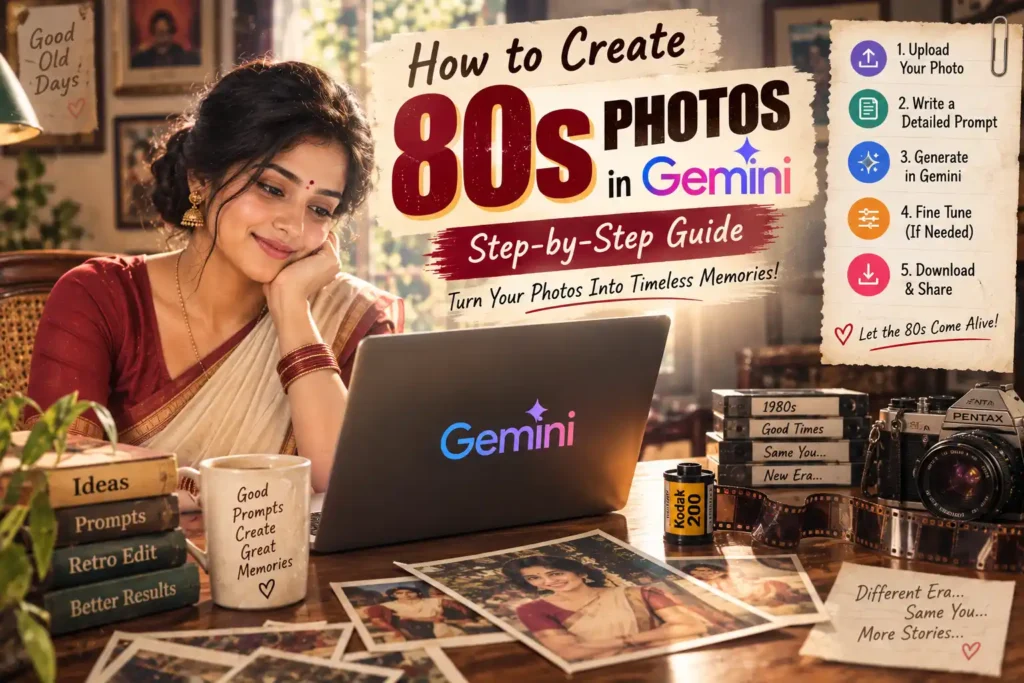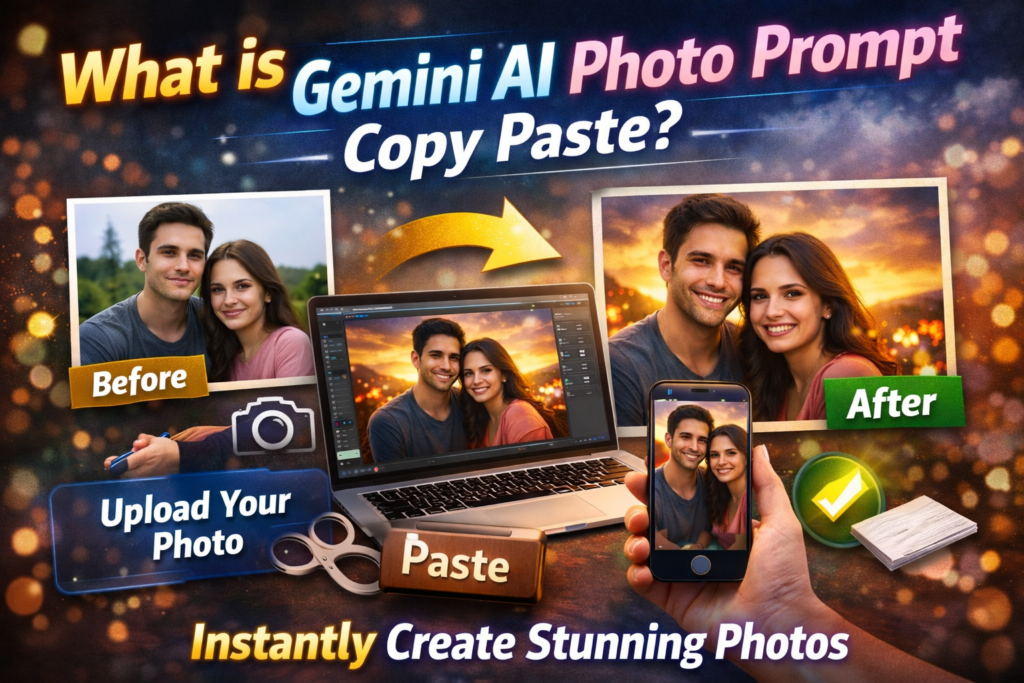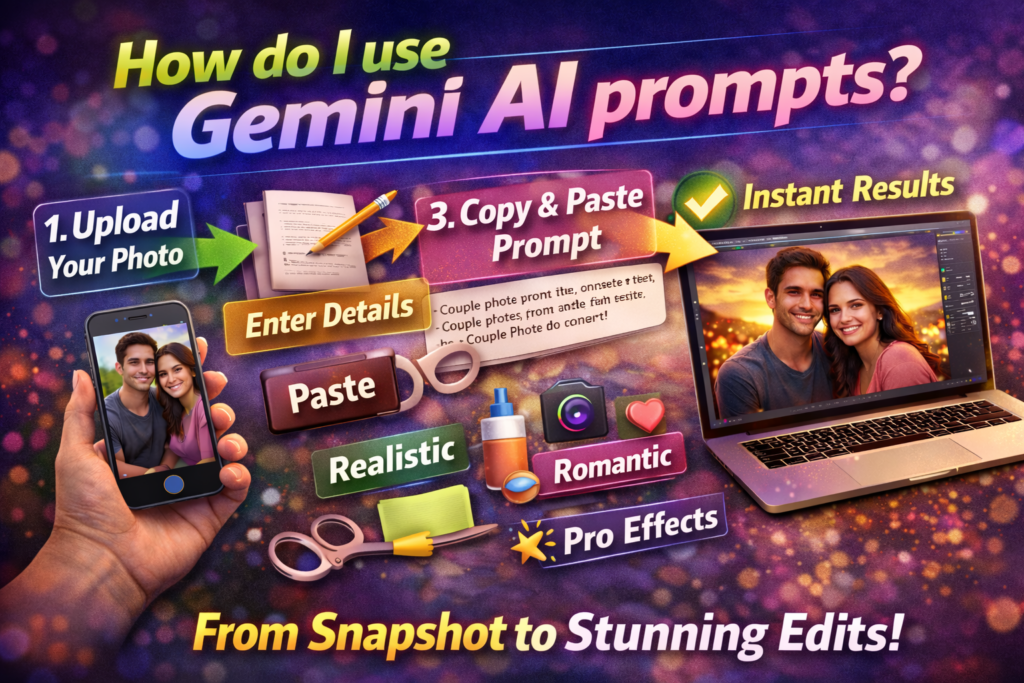
If you are asking “How do I use Gemini AI prompts?”, the simple answer is this:
You type or paste a detailed instruction into Gemini so it knows exactly what kind of image, edit, text, or effect you want.
Most people only type very short prompts like:
make this photo better
But Gemini works much better when you give complete instructions.
For example:
Use the uploaded photo as the base reference. Keep the same face and pose. Improve the image with warm sunset lighting, realistic skin texture, clear eyes, soft blurred background, DSLR 85mm camera effect, natural shadows, and no AI look.
The second prompt gives Gemini much more information, so the final result is usually clearer, more realistic, and closer to what you want.
This guide explains exactly how to use Gemini AI prompts, what to type, how to edit uploaded photos, what words give better results, common mistakes, and the best prompt formula to use in 2026.
What Is a Gemini AI Prompt?
A Gemini AI prompt is the text instruction that you give Gemini.
The prompt tells Gemini:
- What you want
- What the person or image should look like
- What style, lighting, clothes, or background you want
- Whether you want a new image or an edit of an uploaded image
Example:
Create a realistic portrait of a young man standing in light rain at night, wearing a black shirt, cinematic blue lighting, realistic skin texture, clear face, DSLR photo, no AI look.
Gemini reads that instruction and creates an image based on it.
Step 1: Open Gemini
Go to Gemini and open the image or prompt section.
Depending on what you want to do, there are usually 2 ways to use prompts:
- Create a new image from text
- Upload an existing photo and edit it with prompts
Step 2: Decide What You Want
Before typing, decide exactly what result you want.
Ask yourself:
- Do I want to create a completely new image?
- Do I want to edit my own uploaded photo?
- Do I want a realistic look or artistic look?
- Do I want a new dress, background, lighting, or effect?
Most Gemini users in 2026 usually want one of these:
- Couple photo editing
- Face clear prompt
- Better lighting
- New dress color
- Background change
- Rain, sunset, temple, or festival effect
- Realistic profile picture
- Professional photo editing
Step 3: Use the Correct Prompt Structure
The easiest way to use Gemini prompts is to follow this formula:
[What to create or edit] + [Who is in the image] + [Clothes or appearance] + [Location or background] + [Lighting] + [Realism instructions]
Example:
Use the uploaded image and keep the same woman. Change only her saree into a dark green silk saree with gold border. Place her near a temple entrance during evening light. Add soft golden lighting, realistic skin texture, clear face, detailed eyes, natural shadows, DSLR effect, no AI look.
This formula works because Gemini understands each part separately.
The 6 Important Parts of a Good Gemini Prompt
1. Tell Gemini What To Do
Start with a clear instruction.
Examples:
Create a realistic portrait...
Use the uploaded photo and edit it...
Keep the same person and change only...
Transform the image into...
If you upload a photo, always mention that.
Example:
Use the uploaded image only as the base reference.
2. Describe the Person or Subject
Tell Gemini who is in the image.
Examples:
A young couple
A woman wearing a saree
A man standing near a car
A child sitting near a temple
The more specific you are, the better.
3. Mention Clothes or Appearance
This is very important if you want Gemini to change clothing.
Example:
The woman is wearing a dark red silk saree with gold border.
The man is wearing a white shirt and black blazer.
If you want Gemini to only change clothes and not the face, say:
Keep the same face and pose. Change only the dress.
4. Mention the Background or Location
Examples:
inside a palace hall
near a rainy street at night
standing on a beach during sunset
inside a room near a large window
Background helps Gemini create a complete image instead of only changing the person.
5. Mention Lighting
Lighting is one of the biggest reasons some Gemini images look amazing and others look fake.
Good lighting words:
- warm sunset lighting
- golden hour light
- soft cinematic lighting
- blue rainy-night lighting
- natural window light
- dramatic side light
Example:
Add soft golden evening light on the face and shoulders.
6. Add Realism Instructions
If you skip this part, the result may look too fake or AI-generated.
Always add instructions like:
realistic skin texture
clear face
detailed eyes
natural shadows
no AI look
no over-smoothing
DSLR photo
85mm lens
Strong example:
Keep the face realistic with natural skin texture, slight imperfections, detailed eyes, natural shadows, DSLR camera effect, and no AI look.
Best Gemini Prompt Formula for Uploaded Photo Editing
If you are editing your own photo, this is one of the best formulas:
Use the uploaded image only as the base reference. Keep the same face identity, same pose, and same body shape. Change only [dress/background/effect]. Add [lighting]. Keep the face realistic with natural skin texture, detailed eyes, clear face, DSLR quality, natural shadows, and no AI look.
Example:
Use the uploaded image only as the base reference. Keep the same face identity and same pose. Change only the woman's dress into a light blue saree with silver border. Replace the background with a sunset beach. Add soft golden lighting and wind in the saree. Keep the face realistic with natural skin texture, detailed eyes, DSLR effect, natural shadows, and no AI look.
How To Use Gemini Prompts for Different Types of Images
Couple Photo Editing
Use the uploaded couple photo as the base reference. Keep both faces recognizable. Add warm sunset lighting, realistic skin texture, soft blurred background, DSLR photo quality, and no AI look.
Boy Portrait Prompt
Create a realistic portrait of a young man wearing a black shirt, standing near a rainy street at night, blue cinematic lighting, detailed eyes, DSLR effect, realistic face, no AI look.
Girl Portrait Prompt
Create an ultra-realistic portrait of a young woman wearing a dark green saree with gold border, standing near a temple entrance during sunset, cinematic lighting, clear face, realistic skin texture, no AI look.
Profile Picture Prompt
Create a professional profile photo of a young man in a dark blazer, blurred office background, soft lighting, clear face, DSLR effect, realistic skin texture, no AI look.
Dress Change Prompt
Use the uploaded image. Keep the same face and pose. Change only the dress into a dark red silk saree with gold border. Keep everything else natural and realistic.
Best Words That Improve Gemini Results
| What You Want | Best Words To Add |
|---|---|
| Clear face | clear face, sharp eyes, detailed face |
| Better skin | realistic skin texture, natural pores |
| Better camera look | DSLR photo, 85mm lens, shallow depth of field |
| Better lighting | golden hour, cinematic lighting, warm sunset |
| More realistic | no AI look, natural shadows, no over-smoothing |
| Better background | blurred background, realistic depth |
What Does “No AI Look” Mean?
Many users write “no AI look” because they do not want:
- Plastic skin
- Overly smooth face
- Strange eyes
- Too much brightness
- Unreal colors
- Cartoon-style result
To avoid that, add this section:
Keep the image realistic with natural skin texture, real human proportions, natural lighting, slight imperfections, no beauty filter, no cartoon effect, and no AI look.
Common Gemini Prompt Mistakes
Mistake 1: Prompt Is Too Short
Bad:
make photo better
Better:
Use the uploaded image and improve it with warm golden sunset lighting, realistic skin texture, detailed eyes, blurred background, DSLR quality, and no AI look.
Mistake 2: Too Many Different Ideas Together
Bad:
add beach, rain, palace, city, night, temple, red dress, blue light
Gemini may become confused.
Use only one main scene.
Mistake 3: Not Saying What Should Stay the Same
If you want the same face, say:
Keep the same face identity.
If you want the same pose, say:
Keep the same pose and body position.
Advanced Gemini Prompt Tips
If you want even better results, add camera-style details.
Examples:
shot on DSLR
85mm lens
f/1.8 aperture
soft depth of field
cinematic color grading
Advanced example:
Create a realistic portrait of a couple during sunset, shot on DSLR camera with 85mm lens and f/1.8 aperture, cinematic golden light, detailed faces, realistic skin texture, shallow depth of field, and no AI look.
These extra words help Gemini understand the type of photograph you want.
Example: Full Gemini Prompt That Works Well
Use the uploaded image only as the base reference. Keep the same woman and same pose. Change only the dress into a dark green silk saree with gold border. Place her near a temple entrance during evening time. Add warm golden lighting and soft background blur. Keep the face realistic with natural skin texture, detailed eyes, natural hair strands, slight imperfections, DSLR 85mm lens effect, natural shadows, and no AI look.
This is a strong prompt because it tells Gemini:
- what to keep
- what to change
- what type of background to use
- what type of lighting to use
- how realistic the face should look
Frequently Asked Questions
Can I Copy and Paste Gemini Prompts?
Yes. Most users simply copy ready-made prompts and paste them into Gemini.
You can then change only small details like:
- dress color
- background
- location
- lighting
- boy or girl
Can I Use Gemini Prompt With My Own Photo?
Yes. Upload your image first and then use:
Use the uploaded image only as the base reference.
Then explain what should change.
Why Does Gemini Sometimes Change the Face?
Gemini may change the face if you do not tell it to keep the same identity.
Always add:
Keep the same face identity and facial structure.
Why Does the Image Look Fake?
Usually because the prompt is missing realism words.
Add:
realistic skin texture, natural shadows, DSLR effect, no AI look
Final Conclusion
If you want to use Gemini AI prompts correctly, remember this simple rule:
Tell Gemini exactly what should stay the same, exactly what should change, what type of lighting and background you want, and always include realism instructions.
The best Gemini prompt usually includes:
- Subject
- Dress
- Background
- Lighting
- Realism details
Simple formula:
Use the uploaded image. Keep the same face. Change only what you want. Add realistic lighting, clear face, DSLR effect, and no AI look.
That is the easiest and best way to use Gemini AI prompts in 2026.
Some more you might like