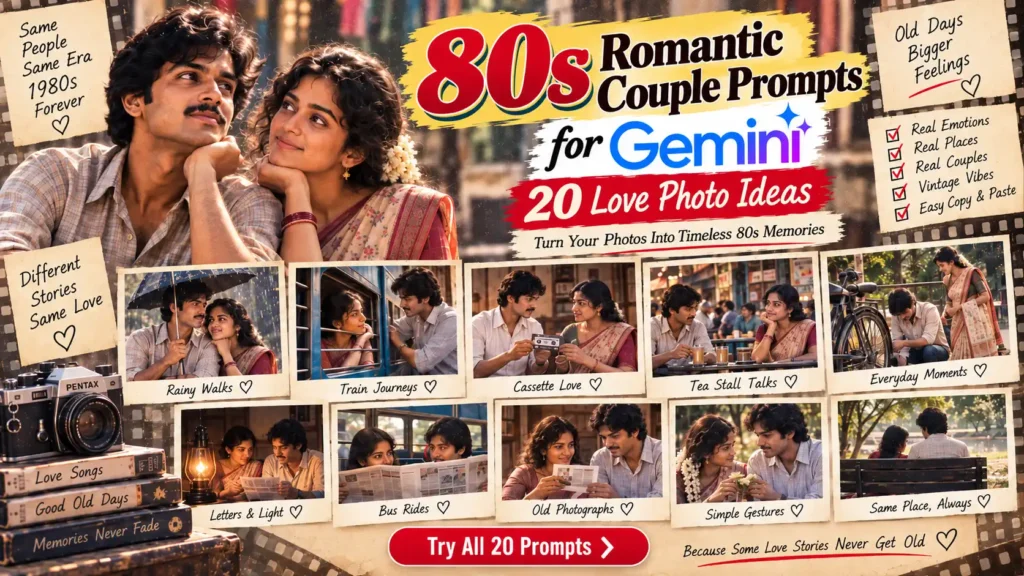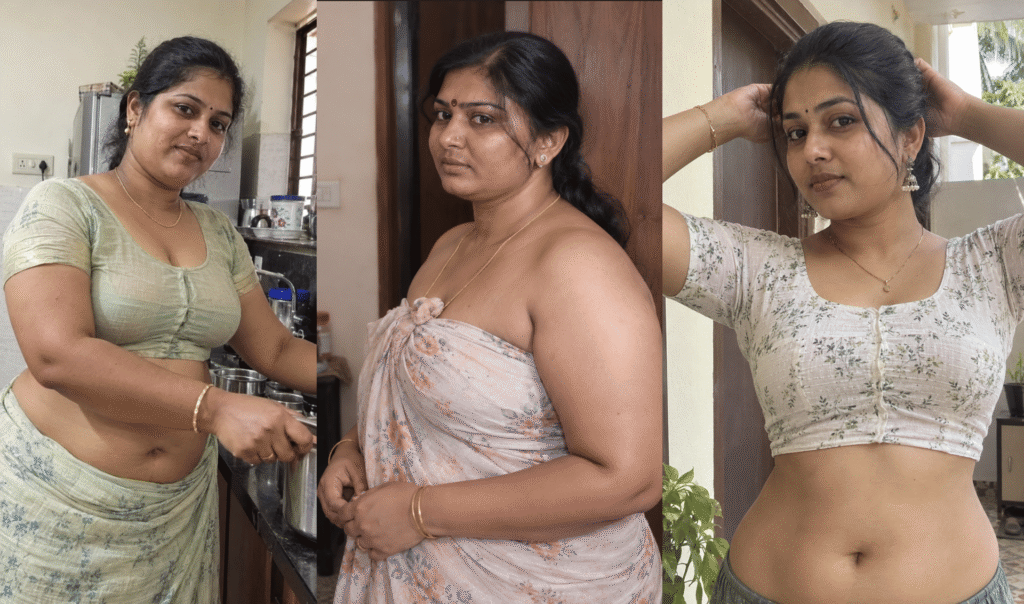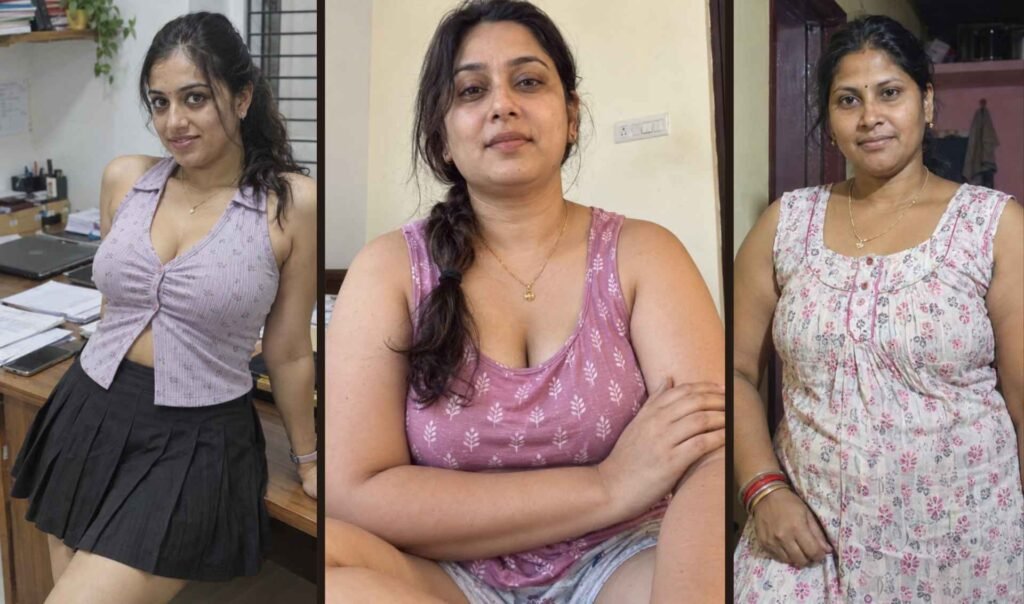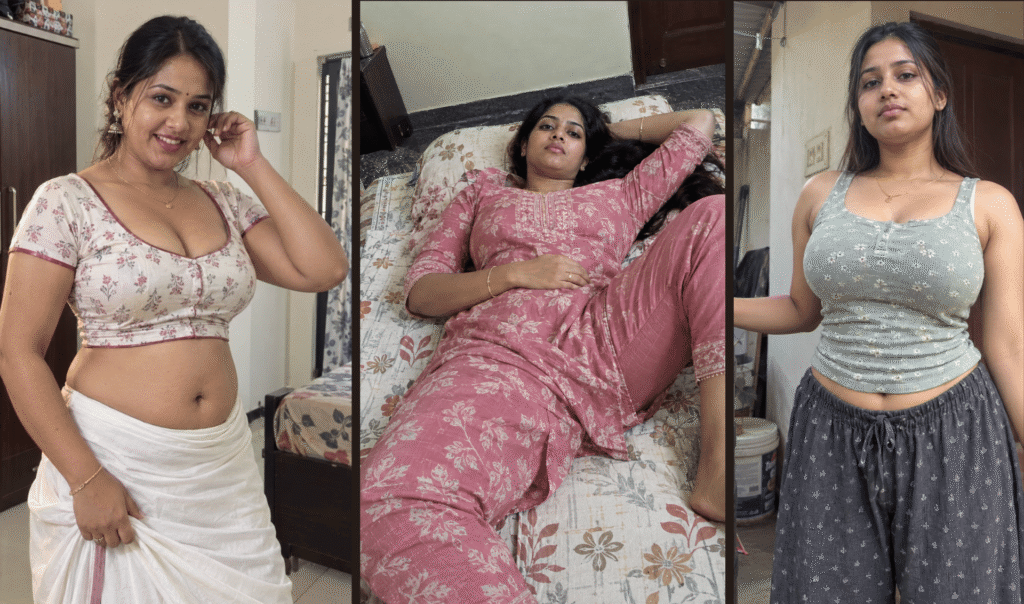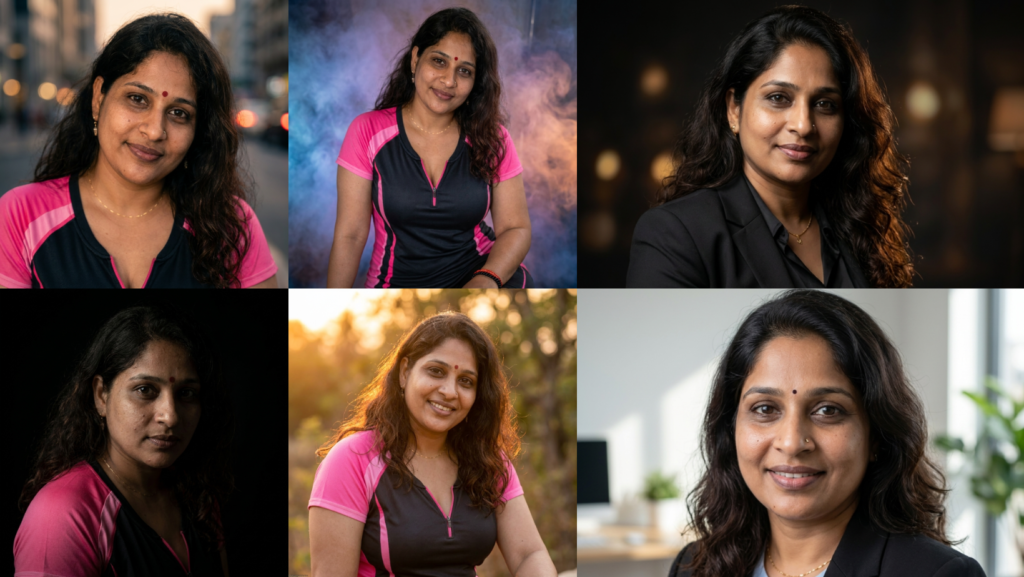
Top 10 Gemini AI DP Prompt Copy Paste with ImageFX – 18 April 2026

Gemini AI Photo Prompt Copy Paste

April 18, 2026 1:20 am

Top 10 Gemini AI DP Prompt Copy Paste with ImageFX – 18 April 2026

If you want to upload your own photo and turn it into a powerful DP, profile picture, or stylish portrait using Gemini and ImageFX, these prompts are made exactly for that.

Most people simply type “make good DP” or “make profile picture.” But that usually creates blurry faces, fake skin, or an image that clearly looks AI-generated.

The prompts below are different. They are designed for people who upload their own image first and want:

  • Same face identity
  • Clear eyes and sharp face
  • Better lighting
  • More stylish background
  • Realistic skin texture
  • DSLR-style camera look
  • No AI look
  • Better DP for WhatsApp, Instagram, Facebook, Telegram, or YouTube

Every prompt below is written for Gemini or ImageFX after uploading your own image.

Use this beginning line before every prompt:

Use the uploaded image only as the base reference. Keep the same face identity, same hairstyle, and same facial structure.

Then add one of the following Top 10 DP prompts.


1. Cinematic Rain DP Prompt

Use the uploaded image only as the base reference. Keep the same face identity, same hairstyle, and same facial structure. Transform the image into a dramatic cinematic portrait standing in light rain at night. Add soft blue and orange movie-style lighting on the face. Keep the eyes very clear and sharp. Add realistic rain drops on the hair and clothes. Blur the city background with glowing lights.

Keep the skin realistic with natural texture, slight imperfections, natural shadows, and no beauty filter. Make the final image look like a DSLR portrait shot with 85mm lens, shallow depth of field, cinematic color grading, ultra-realistic, and no AI look.Use the uploaded image only as the base reference. Keep the same face identity, same hairstyle, and same facial structure. Transform the image into a dramatic cinematic portrait standing in light rain at night. Add soft blue and orange movie-style lighting on the face. Keep the eyes very clear and sharp. Add realistic rain drops on the hair and clothes. Blur the city background with glowing lights.

Keep the skin realistic with natural texture, slight imperfections, natural shadows, and no beauty filter. Make the final image look like a DSLR portrait shot with 85mm lens, shallow depth of field, cinematic color grading, ultra-realistic, and no AI look.
Use the uploaded image only as the base reference. Keep the same face identity, same hairstyle, and same facial structure. Transform the image into a dramatic cinematic portrait standing in light rain at night. Add soft blue and orange movie-style lighting on the face. Keep the eyes very clear and sharp. Add realistic rain drops on the hair and clothes. Blur the city background with glowing lights.

Keep the skin realistic with natural texture, slight imperfections, natural shadows, and no beauty filter. Make the final image look like a DSLR portrait shot with 85mm lens, shallow depth of field, cinematic color grading, ultra-realistic, and no AI look.

2. Golden Hour Outdoor DP Prompt

Use the uploaded image only as the base reference. Keep the same face identity and same pose. Place the person outside during golden hour just before sunset. Add warm orange sunlight on the face and hair. Make the background softly blurred with trees and natural light.

Improve the face naturally with realistic skin texture, detailed eyes, natural smile, and realistic hair strands. Keep everything very sharp but natural. DSLR camera effect, 85mm portrait lens, realistic colors, no AI look.Use the uploaded image only as the base reference. Keep the same face identity and same pose. Place the person outside during golden hour just before sunset. Add warm orange sunlight on the face and hair. Make the background softly blurred with trees and natural light.

Improve the face naturally with realistic skin texture, detailed eyes, natural smile, and realistic hair strands. Keep everything very sharp but natural. DSLR camera effect, 85mm portrait lens, realistic colors, no AI look.
Use the uploaded image only as the base reference. Keep the same face identity and same pose. Place the person outside during golden hour just before sunset. Add warm orange sunlight on the face and hair. Make the background softly blurred with trees and natural light.

Improve the face naturally with realistic skin texture, detailed eyes, natural smile, and realistic hair strands. Keep everything very sharp but natural. DSLR camera effect, 85mm portrait lens, realistic colors, no AI look.

3. Luxury Black Suit DP Prompt

Use the uploaded image only as the base reference. Keep the same face identity. Change the clothing into a black suit with subtle luxury style. Place the person in front of a dark blurred background with soft studio lights.

Add dramatic side lighting on the face. Keep the face very clear and realistic. Add sharp eyes, realistic skin texture, natural shadows, and detailed hair. Make the image look like a premium magazine cover photo, DSLR quality, ultra-realistic, no AI look.Use the uploaded image only as the base reference. Keep the same face identity. Change the clothing into a black suit with subtle luxury style. Place the person in front of a dark blurred background with soft studio lights.

Add dramatic side lighting on the face. Keep the face very clear and realistic. Add sharp eyes, realistic skin texture, natural shadows, and detailed hair. Make the image look like a premium magazine cover photo, DSLR quality, ultra-realistic, no AI look.
Use the uploaded image only as the base reference. Keep the same face identity. Change the clothing into a black suit with subtle luxury style. Place the person in front of a dark blurred background with soft studio lights.

Add dramatic side lighting on the face. Keep the face very clear and realistic. Add sharp eyes, realistic skin texture, natural shadows, and detailed hair. Make the image look like a premium magazine cover photo, DSLR quality, ultra-realistic, no AI look.

4. Traditional Indian DP Prompt

Use the uploaded image only as the base reference. Keep the same face identity and hairstyle. Dress the person in traditional Indian clothing. If female, use a silk saree with soft jewelry and jasmine flowers. If male, use a white shirt and veshti or kurta. Place the person near a softly lit temple background during evening time. Add warm golden lighting, realistic face texture, clear eyes, detailed skin, and soft background blur. Keep the final result realistic, natural, DSLR style, and no AI look.Use the uploaded image only as the base reference. Keep the same face identity and hairstyle. Dress the person in traditional Indian clothing. If female, use a silk saree with soft jewelry and jasmine flowers. If male, use a white shirt and veshti or kurta. Place the person near a softly lit temple background during evening time. Add warm golden lighting, realistic face texture, clear eyes, detailed skin, and soft background blur. Keep the final result realistic, natural, DSLR style, and no AI look.
Use the uploaded image only as the base reference. Keep the same face identity and hairstyle. Dress the person in traditional Indian clothing. If female, use a silk saree with soft jewelry and jasmine flowers. If male, use a white shirt and veshti or kurta.

Place the person near a softly lit temple background during evening time. Add warm golden lighting, realistic face texture, clear eyes, detailed skin, and soft background blur. Keep the final result realistic, natural, DSLR style, and no AI look.

5. Professional Office DP Prompt

Use the uploaded image only as the base reference. Keep the same face identity. Turn the image into a professional office profile photo. Change the clothing into formal office wear. Place the person in front of a clean office background with soft blur.

Add natural white lighting on the face. Keep the face very clear with realistic skin texture, detailed eyes, natural shadows, and slight smile. Make the image look like a LinkedIn or professional business profile photo, DSLR portrait quality, no AI look.Use the uploaded image only as the base reference. Keep the same face identity. Turn the image into a professional office profile photo. Change the clothing into formal office wear. Place the person in front of a clean office background with soft blur.

Add natural white lighting on the face. Keep the face very clear with realistic skin texture, detailed eyes, natural shadows, and slight smile. Make the image look like a LinkedIn or professional business profile photo, DSLR portrait quality, no AI look.
Use the uploaded image only as the base reference. Keep the same face identity. Turn the image into a professional office profile photo. Change the clothing into formal office wear. Place the person in front of a clean office background with soft blur.

Add natural white lighting on the face. Keep the face very clear with realistic skin texture, detailed eyes, natural shadows, and slight smile. Make the image look like a LinkedIn or professional business profile photo, DSLR portrait quality, no AI look.

6. Dark Moody DP Prompt

Use the uploaded image only as the base reference. Keep the same face identity and same pose. Create a dark moody portrait with black background and soft side lighting. Add only a small amount of light on one side of the face.

Keep the eyes very sharp and intense. Add realistic skin texture, natural shadows, subtle beard or hair detail if needed, and realistic face proportions. Make the final result look like a professional studio portrait with cinematic mood, ultra-realistic, and no AI look.Use the uploaded image only as the base reference. Keep the same face identity and same pose. Create a dark moody portrait with black background and soft side lighting. Add only a small amount of light on one side of the face.

Keep the eyes very sharp and intense. Add realistic skin texture, natural shadows, subtle beard or hair detail if needed, and realistic face proportions. Make the final result look like a professional studio portrait with cinematic mood, ultra-realistic, and no AI look.
Use the uploaded image only as the base reference. Keep the same face identity and same pose. Create a dark moody portrait with black background and soft side lighting. Add only a small amount of light on one side of the face.

Keep the eyes very sharp and intense. Add realistic skin texture, natural shadows, subtle beard or hair detail if needed, and realistic face proportions. Make the final result look like a professional studio portrait with cinematic mood, ultra-realistic, and no AI look.

7. Color Smoke DP Prompt

Use the uploaded image only as the base reference. Keep the same face identity. Place the person in front of a background with soft colored smoke in blue, purple, and orange shades.

Add cinematic lighting on the face while keeping the face very clear and realistic. Keep the skin texture natural and detailed. Make the smoke soft and blurred in the background. DSLR portrait style, realistic lighting, sharp face, no AI look.Use the uploaded image only as the base reference. Keep the same face identity. Place the person in front of a background with soft colored smoke in blue, purple, and orange shades.

Add cinematic lighting on the face while keeping the face very clear and realistic. Keep the skin texture natural and detailed. Make the smoke soft and blurred in the background. DSLR portrait style, realistic lighting, sharp face, no AI look.
Use the uploaded image only as the base reference. Keep the same face identity. Place the person in front of a background with soft colored smoke in blue, purple, and orange shades.

Add cinematic lighting on the face while keeping the face very clear and realistic. Keep the skin texture natural and detailed. Make the smoke soft and blurred in the background. DSLR portrait style, realistic lighting, sharp face, no AI look.

8. Royal Palace DP Prompt

Royal Palace DP PromptUse the uploaded image only as the base reference. Keep the same face identity. Turn the image into a royal portrait inside a palace. Dress the person in luxury clothing with realistic fabric texture.

Add warm palace lighting, soft blurred chandeliers in the background, and rich cinematic color grading. Keep the face realistic with detailed eyes, natural skin texture, and no over-editing. Make it look like a high-end movie character poster, DSLR style, and no AI look.
Use the uploaded image only as the base reference. Keep the same face identity. Turn the image into a royal portrait inside a palace. Dress the person in luxury clothing with realistic fabric texture.

Add warm palace lighting, soft blurred chandeliers in the background, and rich cinematic color grading. Keep the face realistic with detailed eyes, natural skin texture, and no over-editing. Make it look like a high-end movie character poster, DSLR style, and no AI look.

9. White Background Clean DP Prompt

Use the uploaded image only as the base reference. Keep the same face identity. Remove the background completely and replace it with a clean white background.

Improve the face naturally with realistic skin texture, sharp eyes, clear hair detail, and natural lighting. Keep the final image simple, clean, professional, and perfect for profile picture use. DSLR portrait quality, no AI look.Use the uploaded image only as the base reference. Keep the same face identity. Remove the background completely and replace it with a clean white background.

Improve the face naturally with realistic skin texture, sharp eyes, clear hair detail, and natural lighting. Keep the final image simple, clean, professional, and perfect for profile picture use. DSLR portrait quality, no AI look.
Use the uploaded image only as the base reference. Keep the same face identity. Remove the background completely and replace it with a clean white background.

Improve the face naturally with realistic skin texture, sharp eyes, clear hair detail, and natural lighting. Keep the final image simple, clean, professional, and perfect for profile picture use. DSLR portrait quality, no AI look.

10. Ultra-HD Instagram Style DP Prompt

Use the uploaded image only as the base reference. Keep the same face identity. Transform the image into a stylish Instagram-ready DP with ultra-HD quality.

Add modern cinematic lighting, softly blurred city background, warm skin tone, detailed eyes, realistic hair, and natural facial texture. Make the image look trendy but realistic. Keep the face very sharp and natural without over-smoothing.

The final image should look like a professional social media portrait shot with DSLR camera, 85mm lens, cinematic color grading, ultra-realistic, and no AI look.Use the uploaded image only as the base reference. Keep the same face identity. Transform the image into a stylish Instagram-ready DP with ultra-HD quality.

Add modern cinematic lighting, softly blurred city background, warm skin tone, detailed eyes, realistic hair, and natural facial texture. Make the image look trendy but realistic. Keep the face very sharp and natural without over-smoothing.

The final image should look like a professional social media portrait shot with DSLR camera, 85mm lens, cinematic color grading, ultra-realistic, and no AI look.
Use the uploaded image only as the base reference. Keep the same face identity. Transform the image into a stylish Instagram-ready DP with ultra-HD quality.

Add modern cinematic lighting, softly blurred city background, warm skin tone, detailed eyes, realistic hair, and natural facial texture. Make the image look trendy but realistic. Keep the face very sharp and natural without over-smoothing.

The final image should look like a professional social media portrait shot with DSLR camera, 85mm lens, cinematic color grading, ultra-realistic, and no AI look.

Best Extra Words to Add to Any DP Prompt

If you want even better results, add these words at the end of any prompt:

clear face, sharp eyes, realistic skin texture, natural hair strands, DSLR portrait, 85mm lens, shallow depth of field, cinematic lighting, natural shadows, no AI look, no beauty filter, ultra-realistic

Which Prompt Is Best?

If You WantBest Prompt
Stylish rain photoCinematic Rain DP
Natural outdoor photoGolden Hour Outdoor DP
Rich and classy lookLuxury Black Suit DP
Traditional Indian lookTraditional Indian DP
Office profile photoProfessional Office DP
Dark stylish portraitDark Moody DP
Colorful creative photoColor Smoke DP
Rich palace styleRoyal Palace DP
Clean passport-style DPWhite Background DP
Modern social media DPUltra-HD Instagram DP

How to Use These DP Prompts

  1. Open Gemini or ImageFX.
  2. Upload your own image.
  3. Copy one prompt.
  4. Paste it.
  5. Regenerate once or twice if needed.
  6. Save the version that keeps your face most realistic.

If Gemini changes your face too much, add:

Keep the same face identity and facial structure exactly.

If the image looks fake, add:

less beauty filter, more natural skin texture, no AI look

Conclusion

These “Top 10 Gemini AI DP Prompt Copy Paste with ImageFX – 18 April 2026” prompts are made for users who want to upload their own image and create a better DP without losing their original face.

The best DP is not the one with the most effects. The best DP is the one that still looks like you, but with better lighting, clearer face, and a more professional look.

Some more you might like
Copied!
⬇️

Leave a Comment

Floating Share – Bottom Arrow, Smaller Icons, Join Hides
M Raj - Founder of AskAIWorld

✨ Meet M Raj

Founder and editor of AskAIWorld.com — sharing how Artificial Intelligence makes creativity, productivity, and learning easier for everyone.

What started as a passion for AI-generated art has grown into exploring smart tools, automation, and content creation ideas that empower creators and web growlers alike.

View Author Page