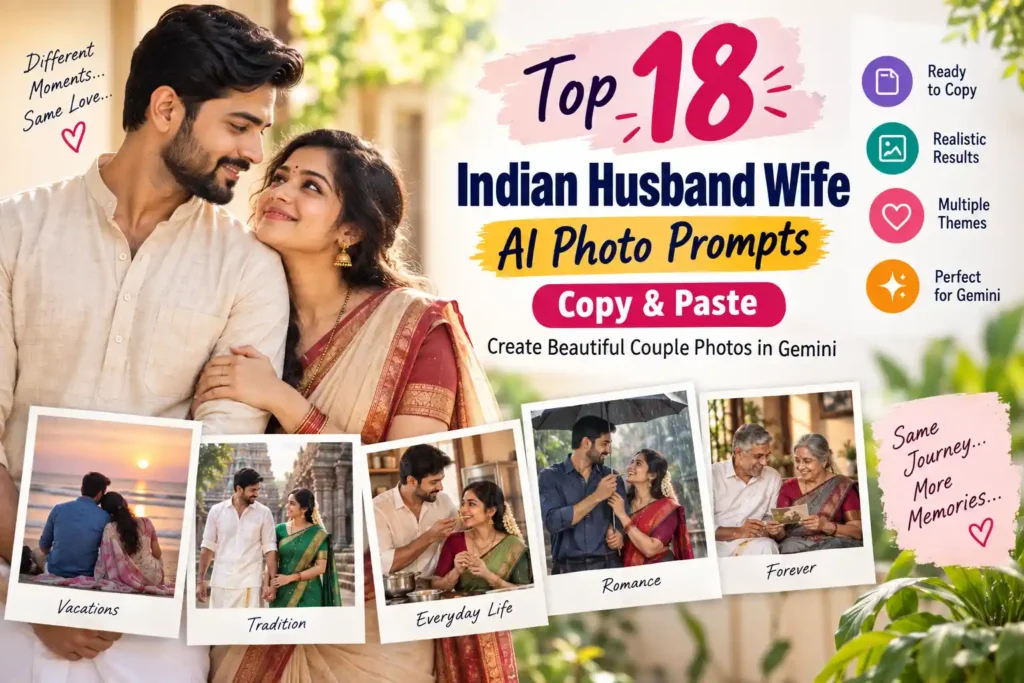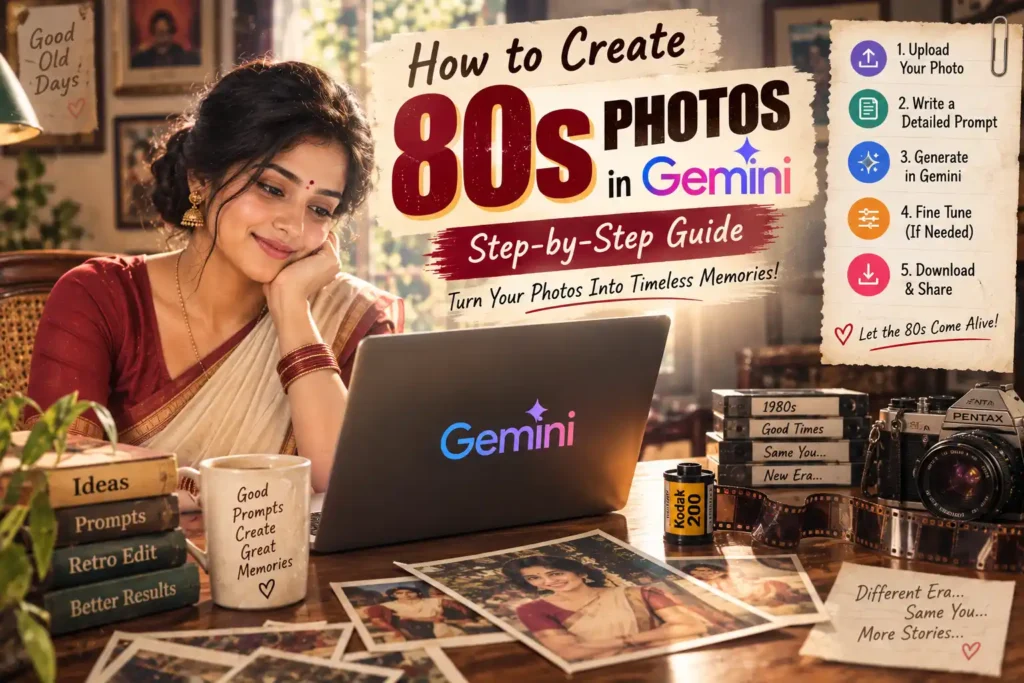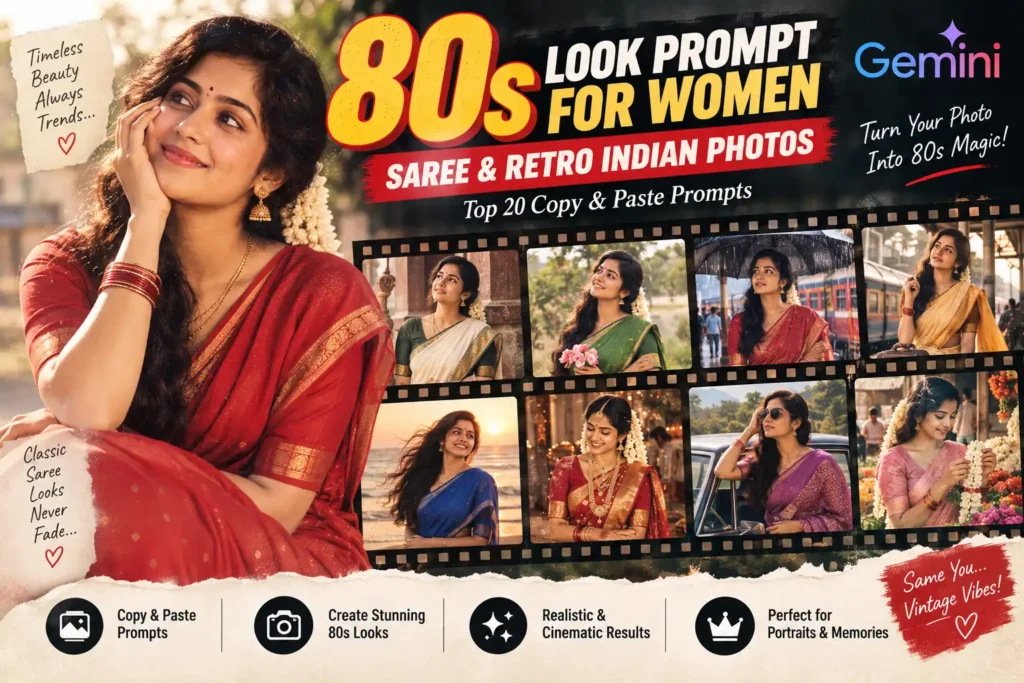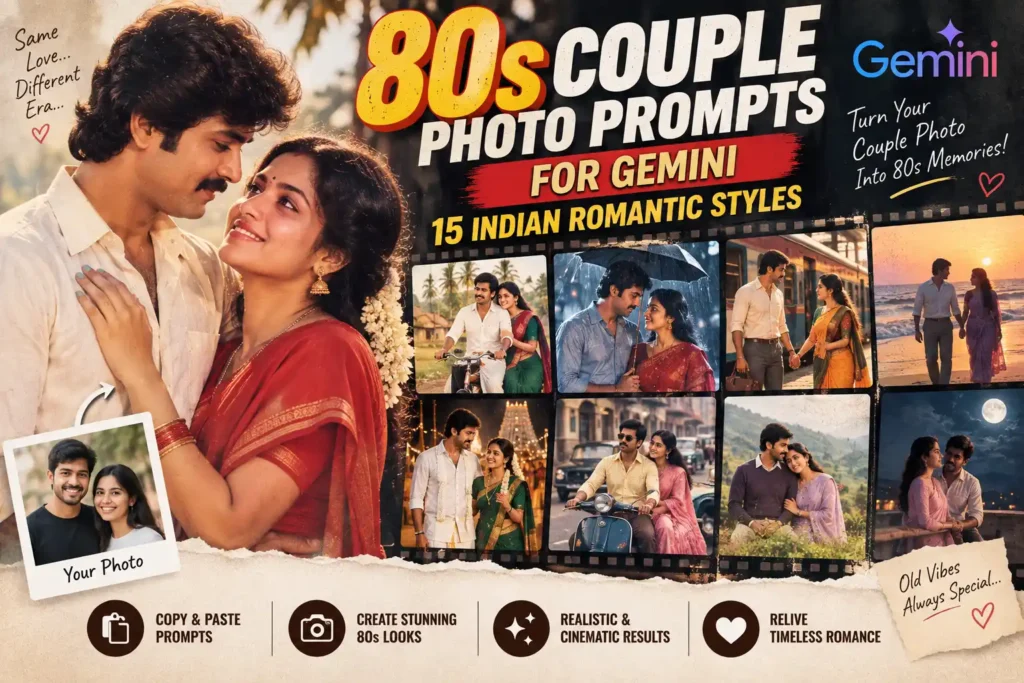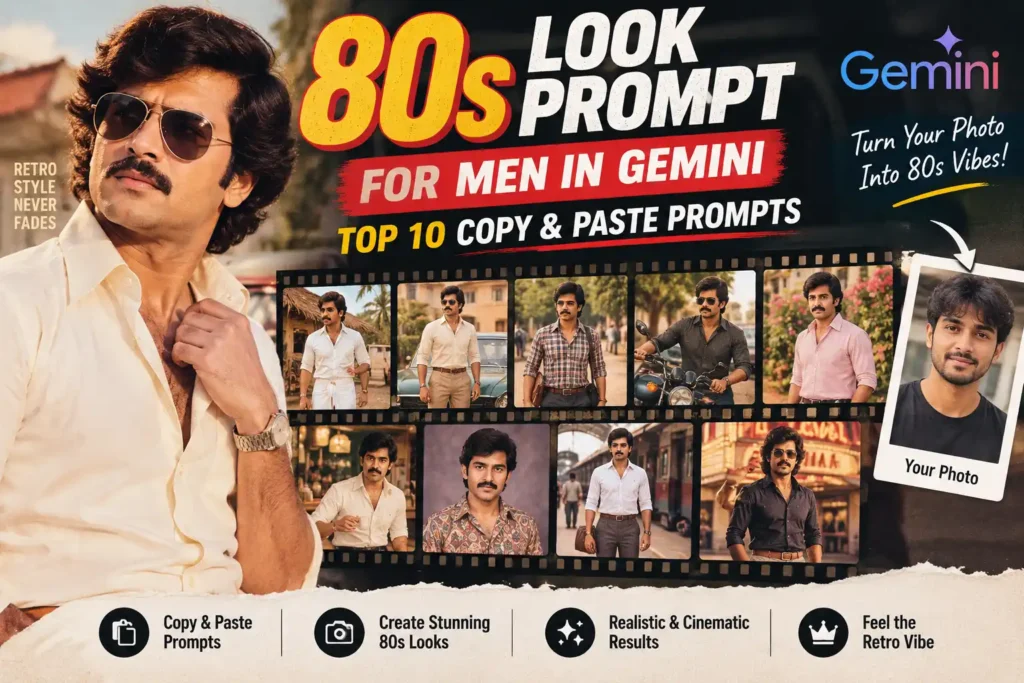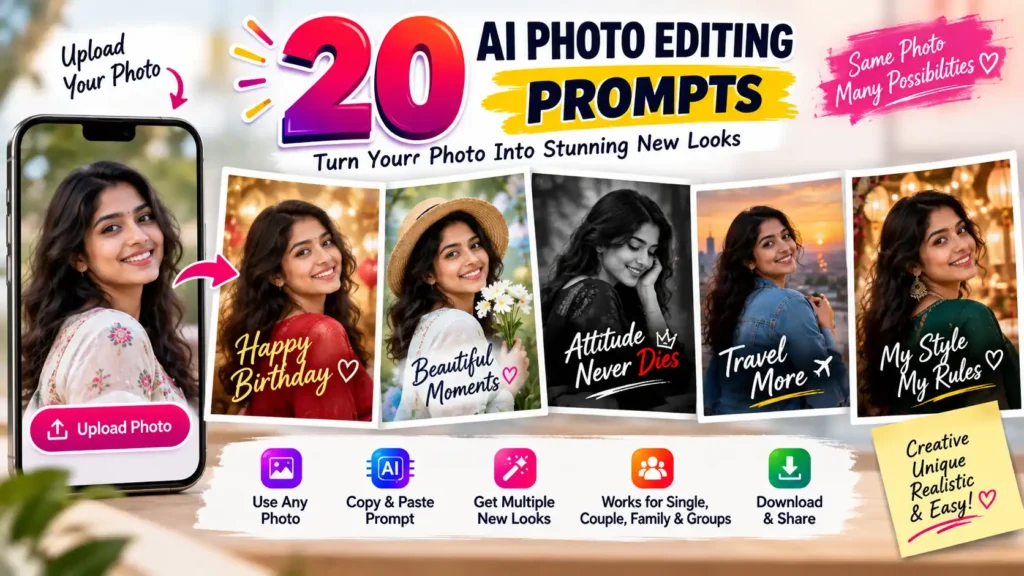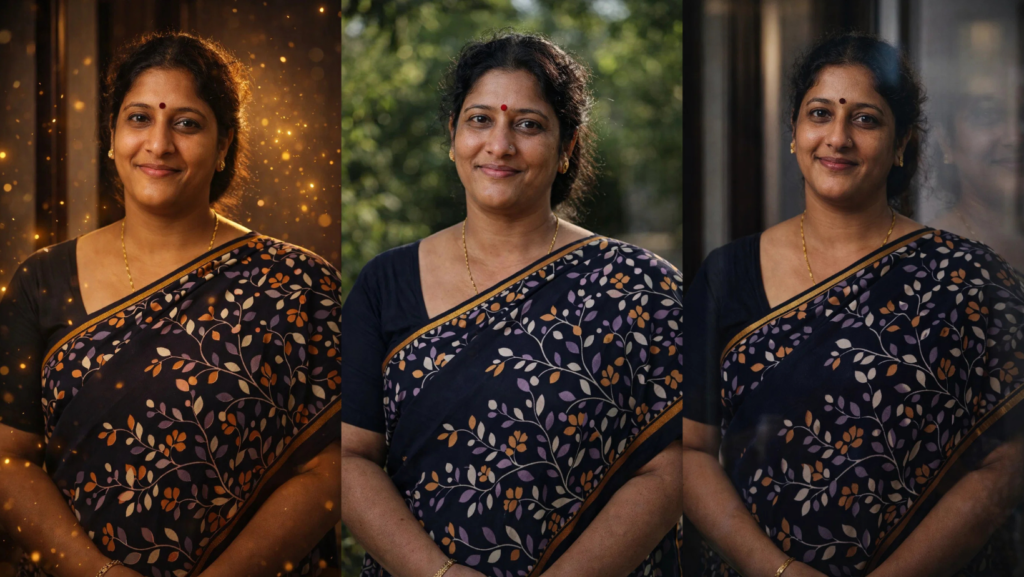
Photo editing using AI prompts is trending in 2026. With the right ChatGPT photo editing prompts, you can transform normal photos into cinematic, DSLR, studio, neon, or premium style images. In this article, we share new ChatGPT photo editing prompts 2026 that look unique and advanced. Each prompt below is designed for different types of photos, so you can choose the correct prompt depending on your picture.
These prompts work best with AI photo editors, ChatGPT image tools, Bing image edit, Sora, and other AI editing apps.
1. DSLR Outdoor Premium Prompt (Best for Normal Photos)
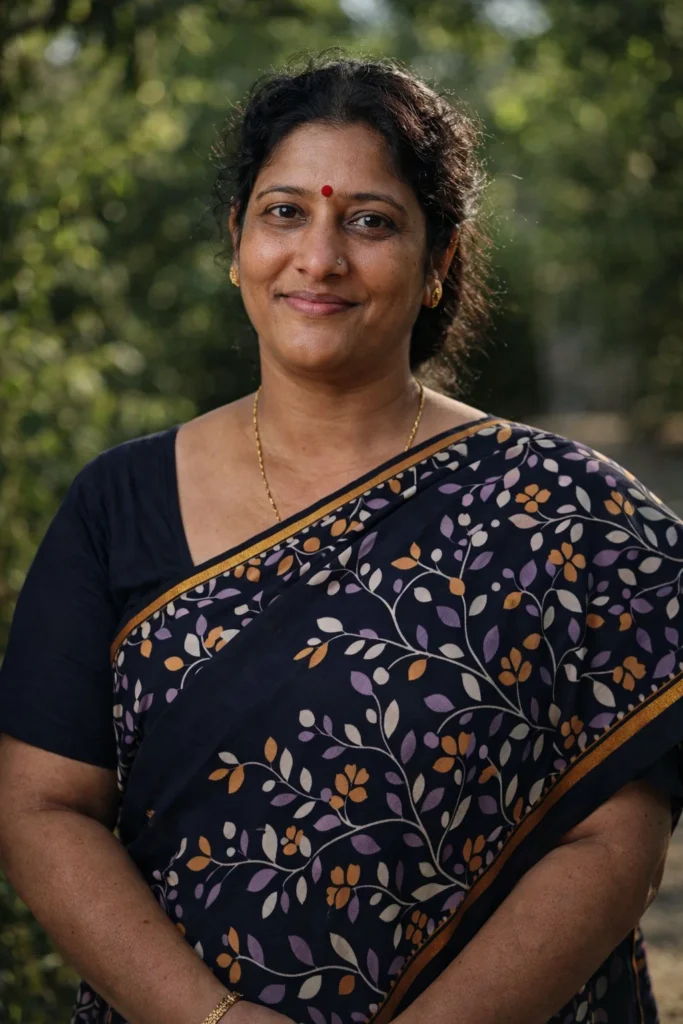
Use this prompt if your photo is taken outside or in natural light.
This prompt makes the photo look like taken with a professional camera.
Edit this photo as if captured with a full frame DSLR camera outdoors, natural sunlight, realistic shadow direction, real skin texture with pores, soft depth of field, background slightly blurred, no AI smoothness, true photography look, ultra realistic, 8K detail.
Best for:
- Outdoor photos
- Mobile photos
- Selfie photos
- Normal camera photos
2. Cinematic Light Prompt (Best for Portrait Photos)
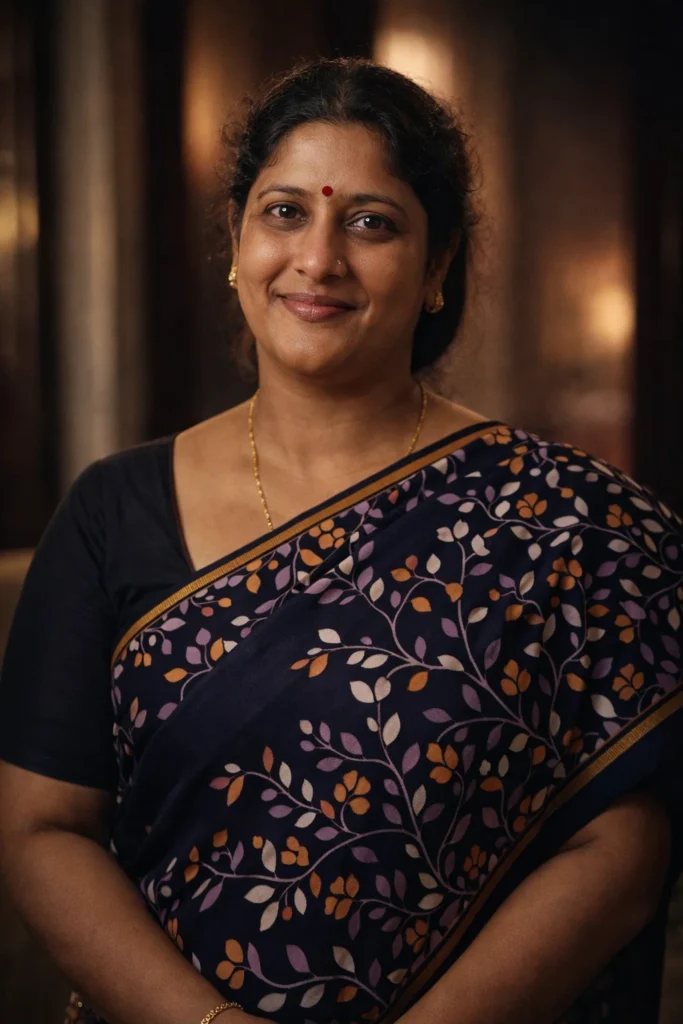
Use this when the photo has face clearly visible.
This prompt adds cinematic lighting and premium look.
Transform this photo into cinematic portrait style, soft warm lighting, realistic skin texture, high dynamic range, natural color grading, professional photography, sharp focus, blurred background, ultra realistic.
Best for:
- Portrait
- Profile photo
- DP
- Instagram photo
3. Glass Reflection Premium Prompt (Best for Indoor Photos)
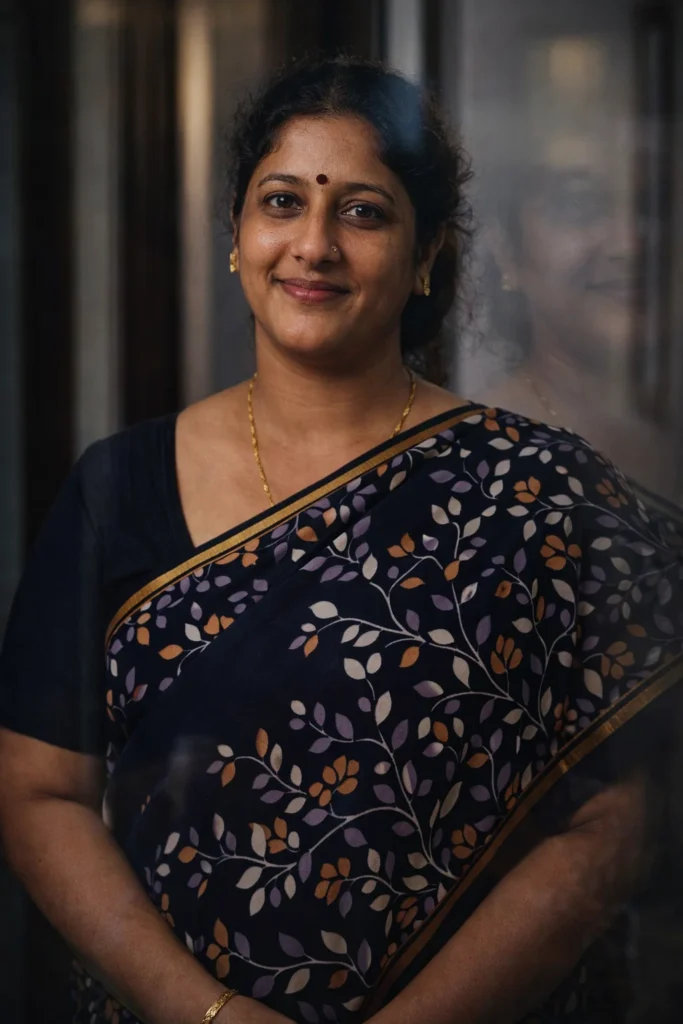
Use when photo taken inside house / room / car.
Edit this photo as if taken through clean glass, soft reflection visible, cinematic lighting, realistic skin tone, professional photography, high detail, natural color, no AI smoothing.
Best for:
- Indoor photo
- Window photo
- Mirror photo
- Room photo
4. Luxury Room Background Prompt (Best for Simple Photos)
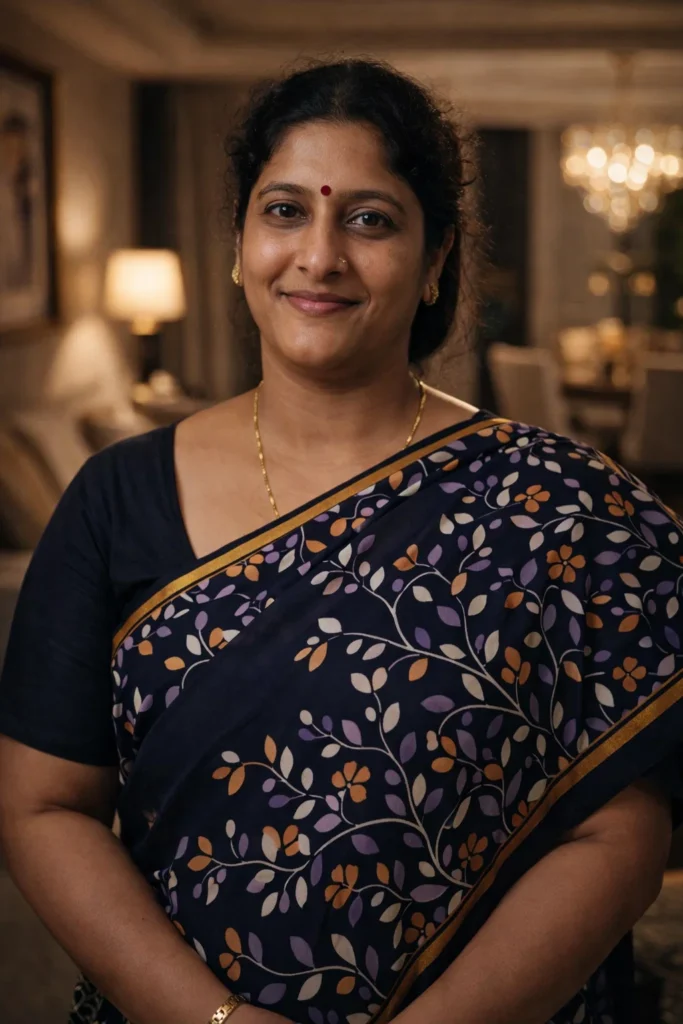
Use this when background is bad.
Change background to modern luxury room, soft warm light, realistic shadow, cinematic tone, sharp face detail, DSLR portrait style, premium editing, natural look.
Best for:
- Simple background
- Low quality photo
- Old photo
5. Golden Light Effect Prompt (Best for Stylish Photo)
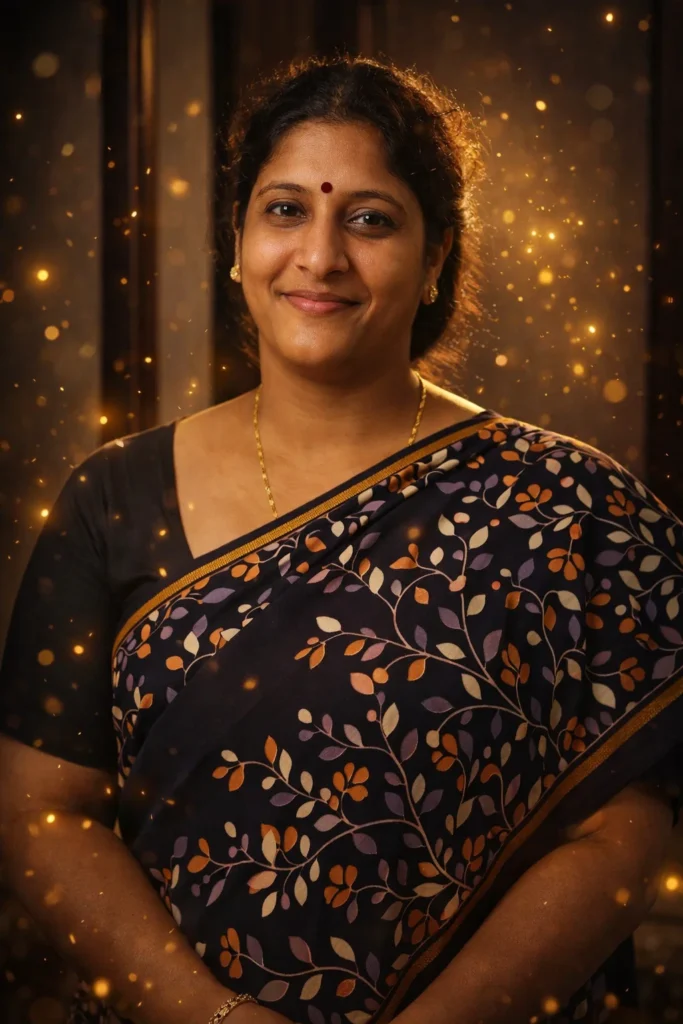
Adds premium glow.
Add soft golden light particles around subject, warm cinematic lighting, realistic shadow, natural skin tone, professional photography, high detail, ultra realistic.
Best for:
- Stylish photo
- Profile photo
- Instagram photo
6. Night Street Realism Prompt (Best for Dark Photos)
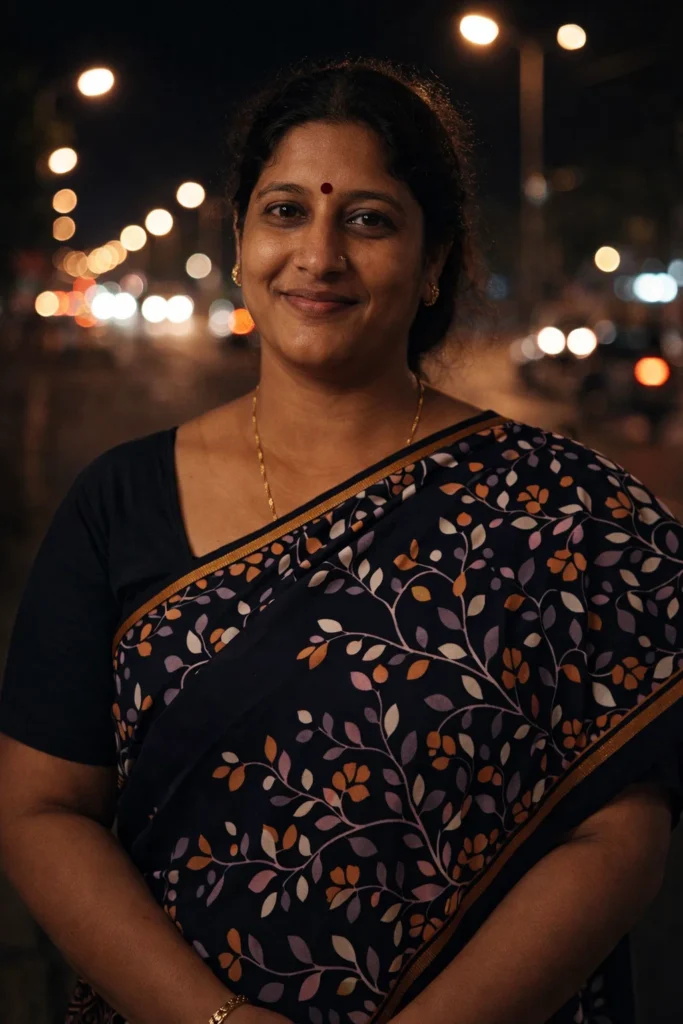
Make this photo look like taken at night street with real street lights, natural glow, slight noise, cinematic color tone, realistic lighting physics, sharp subject, blurred background.
Best for:
- Night photo
- Dark photo
- Evening photo
7. Studio Lens Prompt (Best for Face Photo)
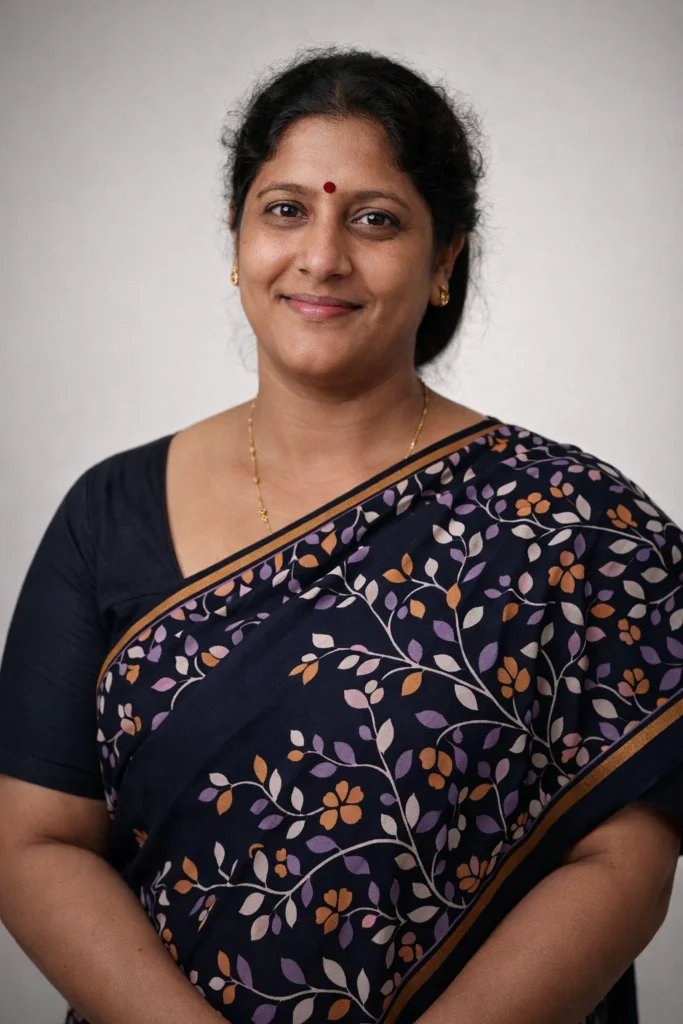
Edit this photo like professional studio portrait using 85mm lens, soft box lighting, natural face texture, sharp eyes, clean background, high detail photography, premium look.
Best for:
- Face photo
- Selfie
- Profile
8. Mobile Camera Real Prompt (Best for Real Look)
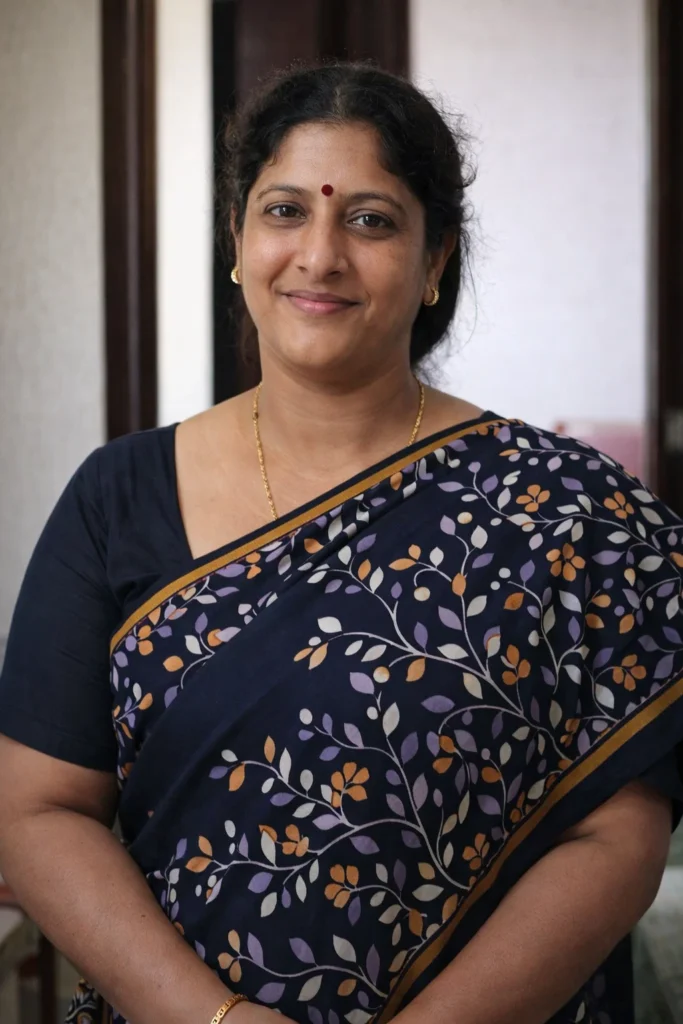
Edit this photo like taken from high end mobile camera, natural light, slight noise, realistic colors, no over editing, true life look, modern phone photography.
Best for:
- Real look needed
- Natural photo
- No AI style
9. Heavy Blur Background Prompt (Best for DP)
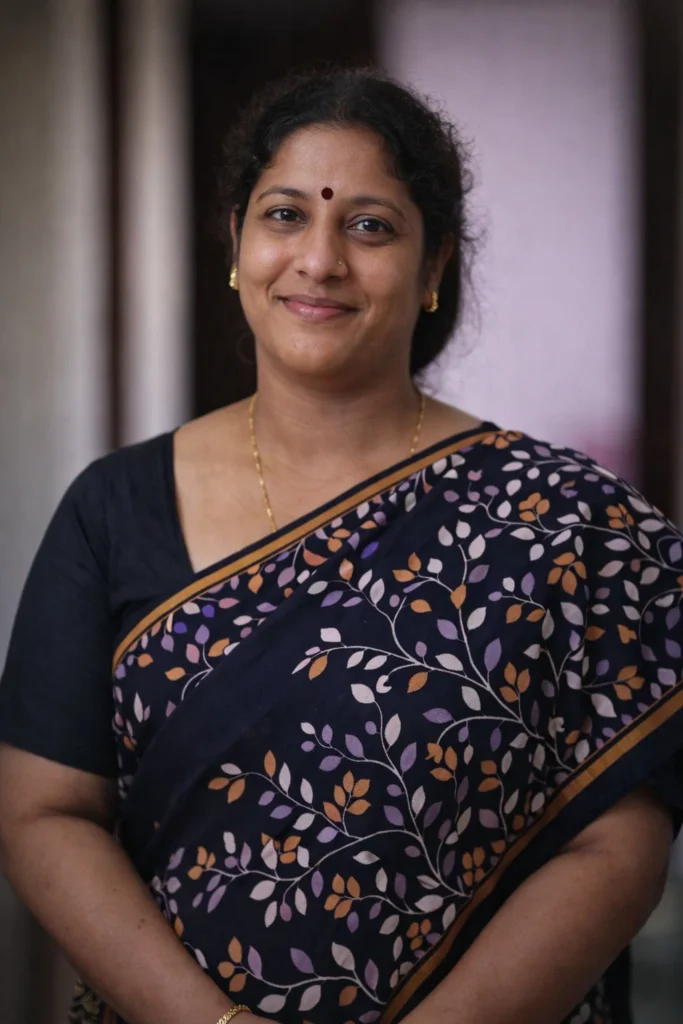
Create strong depth of field effect, subject sharp, background heavy blur, realistic lens effect, natural lighting, real skin texture, professional photography.
Best for:
- DP
- Profile picture
10. Premium Cinematic Portrait Prompt 2026
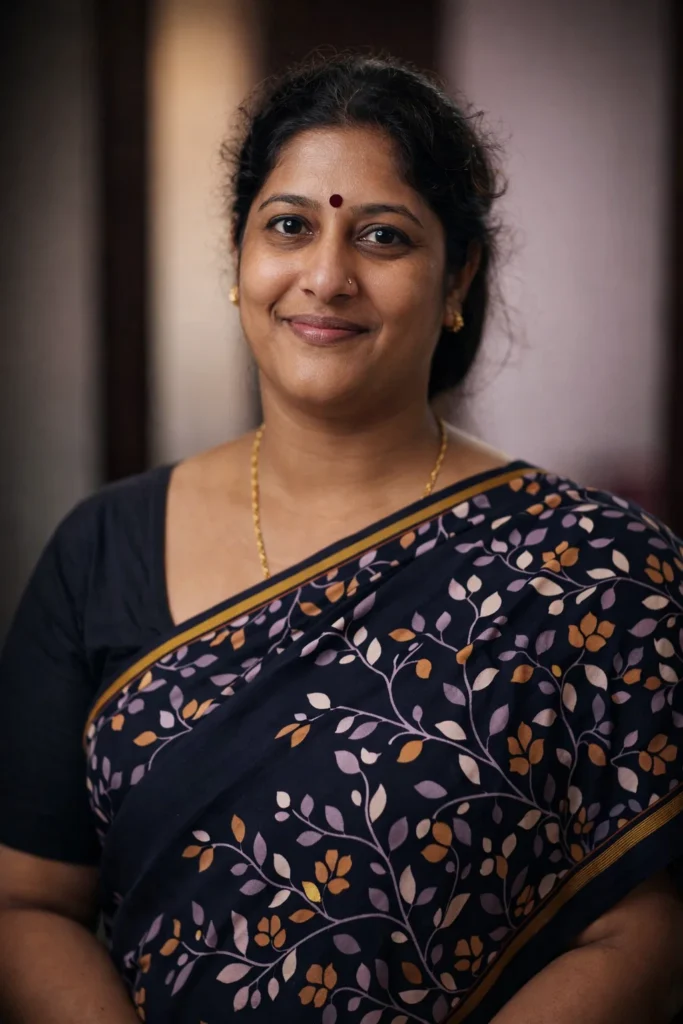
Transform this photo into cinematic portrait, soft background blur, realistic lighting, natural skin texture, high detail, professional photography, ultra realistic, premium editing.
Best for:
- Any photo
- Face photo
- Social media photo
Conclusion
These ChatGPT photo editing prompts new 2026 help you edit photos in different styles like DSLR, cinematic, studio, luxury, night, and premium portrait. Choose the prompt depending on your photo type to get the best result. Using the correct prompt gives more realistic editing without AI look.
Some more you might like