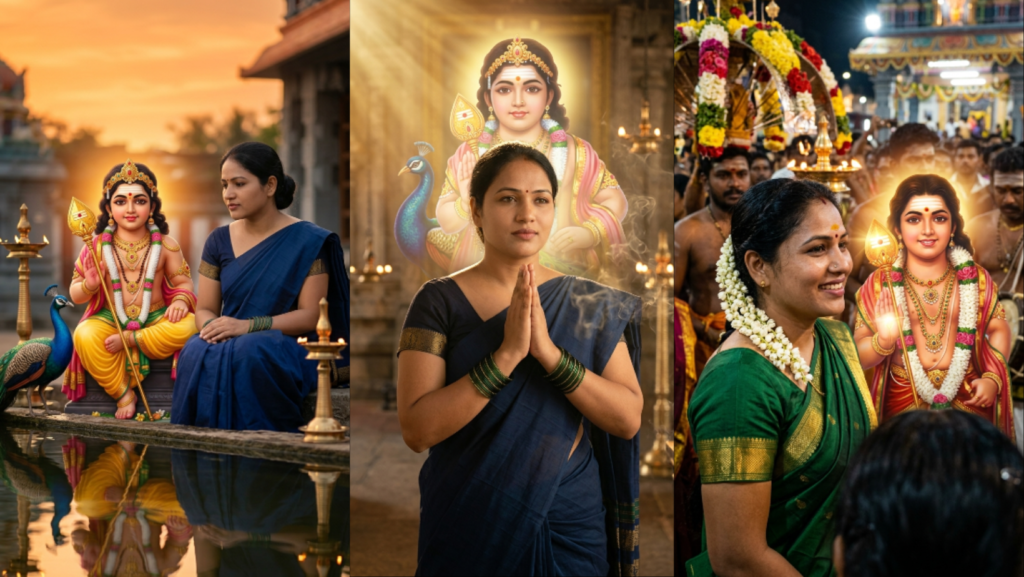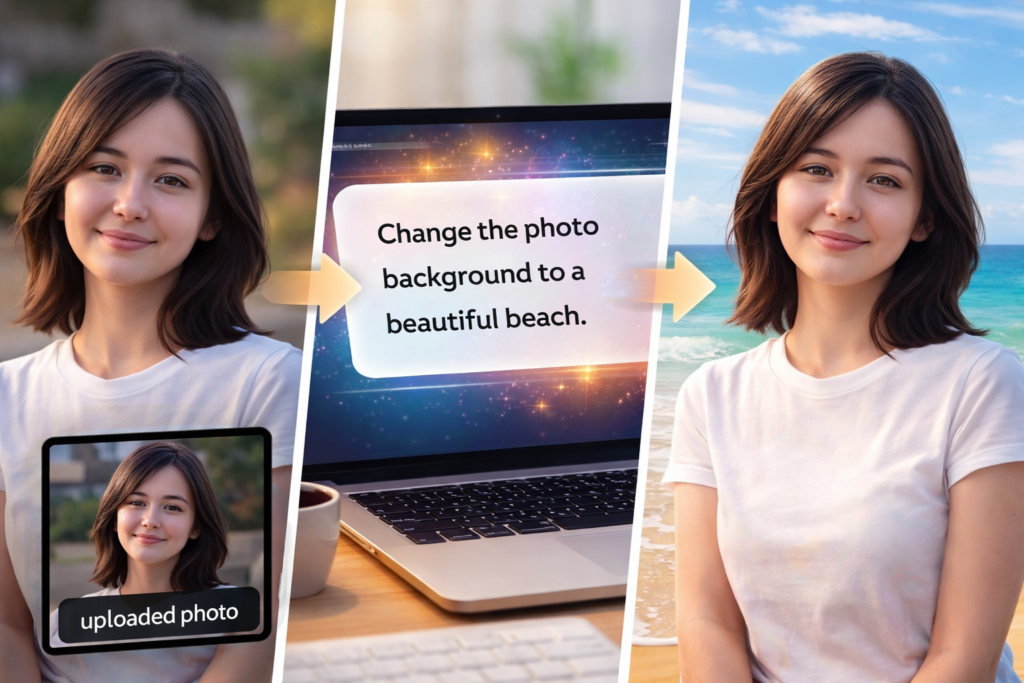
In 2026, many users use ChatGPT image tools, Sora, Bing Image Creator, and other AI generators to edit photos using prompts.
Users want simple prompts to:
- change face
- change dress
- change background
- make realistic photo
- remove objects
- fix lighting
- improve quality
- keep same pose
This article gives 10 best ChatGPT photo editing prompts 2026
All prompts are copy-ready format.
You can upload photo → paste prompt → generate edited image.
Prompt 1 — Change Face but Keep Same Photo
Use the uploaded photo as reference for pose, background, and lighting.
Change the face completely to a different realistic person with same age and gender.
Keep the same body, same dress, same camera angle, same background.
Make it look like real DSLR photo, no AI look, no text, no watermark.
Prompt 2 — Change Dress Only
Use the uploaded image as reference.
Keep the same face, same pose, same background, same lighting.
Change only the dress design to a different pattern and color.
Do not change body shape.
Make realistic fabric texture, DSLR photo, no watermark.
Prompt 3 — Change Background Only
Use uploaded photo as reference.
Keep same person, same face, same pose.
Change background to natural outdoor location.
Match lighting correctly so photo looks real.
Ultra realistic, no AI look, no text.
Prompt 4 — Remove Objects from Photo
Use uploaded photo as reference.
Remove unwanted objects from background.
Keep same person, same face, same dress, same pose.
Fix background naturally.
Make realistic photo, no watermark.
Prompt 5 — Improve Photo Quality
Use uploaded image as reference.
Enhance quality to look like DSLR photo.
Fix lighting, fix skin texture, improve clarity.
Do not change face identity.
Make natural realistic photo, no AI look.
Prompt 6 — Change Face but Keep Everything Same
Use uploaded photo as reference.
Replace face with new realistic face.
Keep same body, same clothes, same background, same camera angle.
No cartoon, no painting, no AI style.
Make real photo look.
Prompt 7 — Change Background but Keep Same Lighting
Use uploaded photo as reference.
Change background to temple / beach / room / park.
Match light direction exactly.
Keep same person and pose.
Ultra realistic photography.
Prompt 8 — Make Photo Look Professional
Use uploaded photo as reference.
Make it look like professional camera photo.
Improve color, lighting, sharpness.
Keep same face and same dress.
Realistic DSLR style.
Prompt 9 — Change Clothes Style Only
Use uploaded image as reference.
Keep same face and body.
Change dress to modern / traditional / casual.
Keep same pose and same background.
Make realistic cloth texture.
Prompt 10 — Make Two Similar Photos
Use uploaded photo as reference.
Create two nearly identical realistic photos.
Same person, same pose, same background.
Add only small natural differences like hair, mole, or light.
No AI look, no text, no watermark.
How to Use These Prompts
- Upload photo
- Copy prompt
- Paste in AI tool
- Generate
Works in:
- ChatGPT image tools
- Sora
- Bing Image Creator
- Midjourney
- Leonardo AI
Tips for Best Editing Result
Use words:
- realistic
- DSLR
- natural skin
- same pose
- same lighting
- ultra realistic
Avoid:
- cartoon
- painting
- illustration
Best quality words:
ultra realistic, DSLR, natural skin, cinematic lighting
Conclusion
These ChatGPT photo editing prompts 2026 help you edit photos using AI safely.
You can change face, dress, background, or quality without breaking the original photo.
More editing prompts coming soon.
Some more you might like
Top 10 Indian Couple Prompt ChatGPT Ideas 2026 (Close-Up Face Style)
Top 10 Unique Couple Prompts for ChatGPT Image Editing in 2026
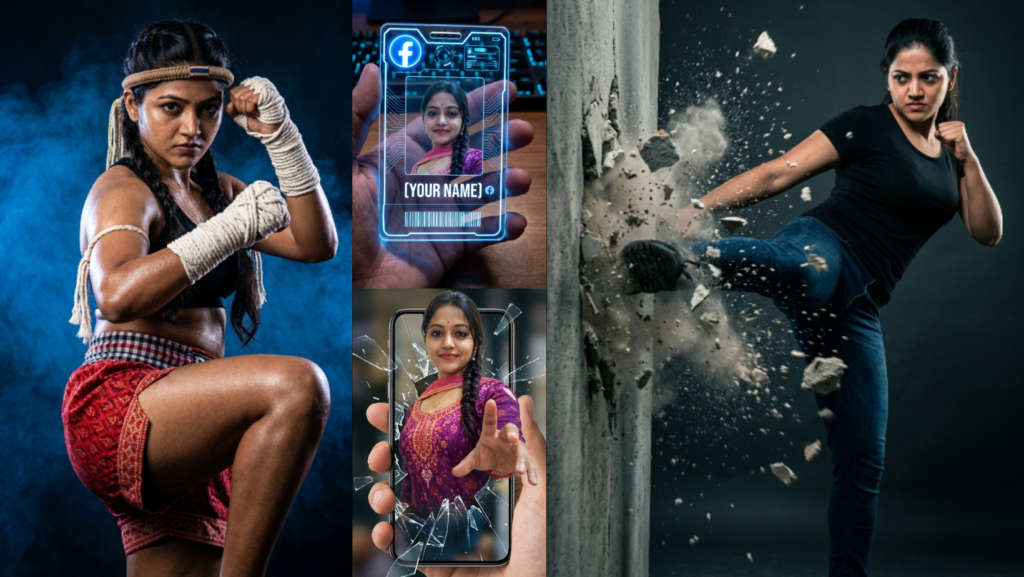
Gemini AI Photo Editing Prompts 2026: Top 10 Copy-Ready Prompts for Uploaded Images
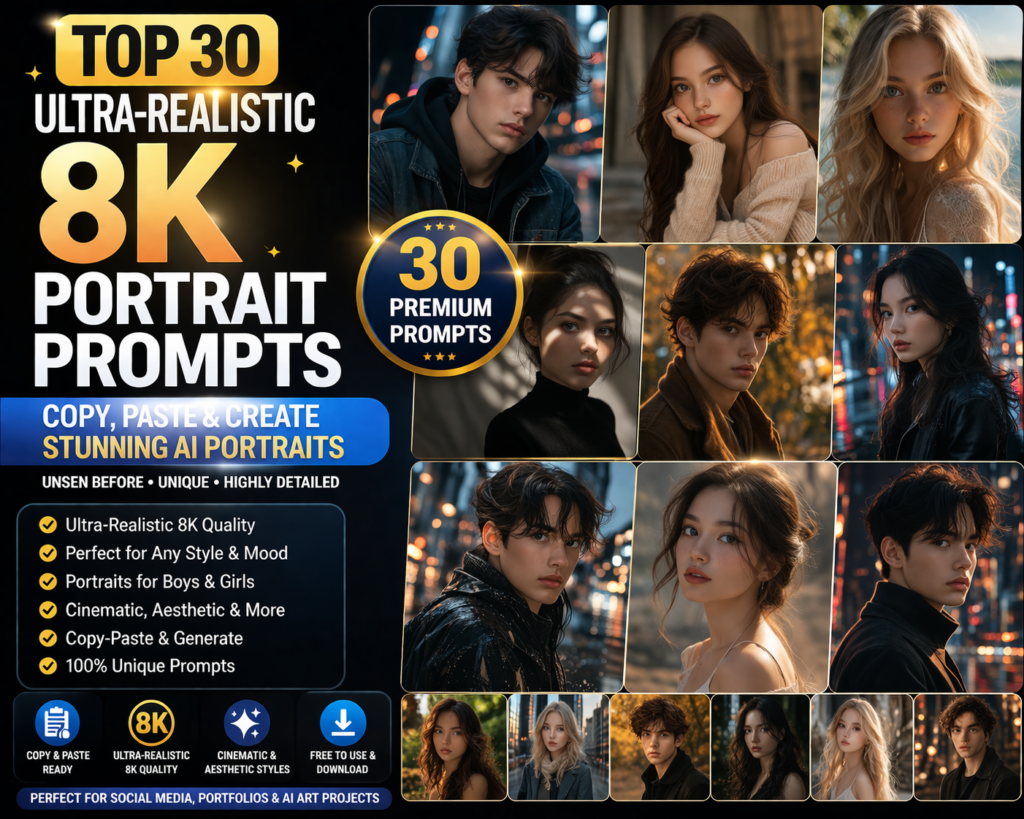
Top 30 Ultra-Realistic 8K Portrait Prompts 2026 (Copy-Paste Ready)
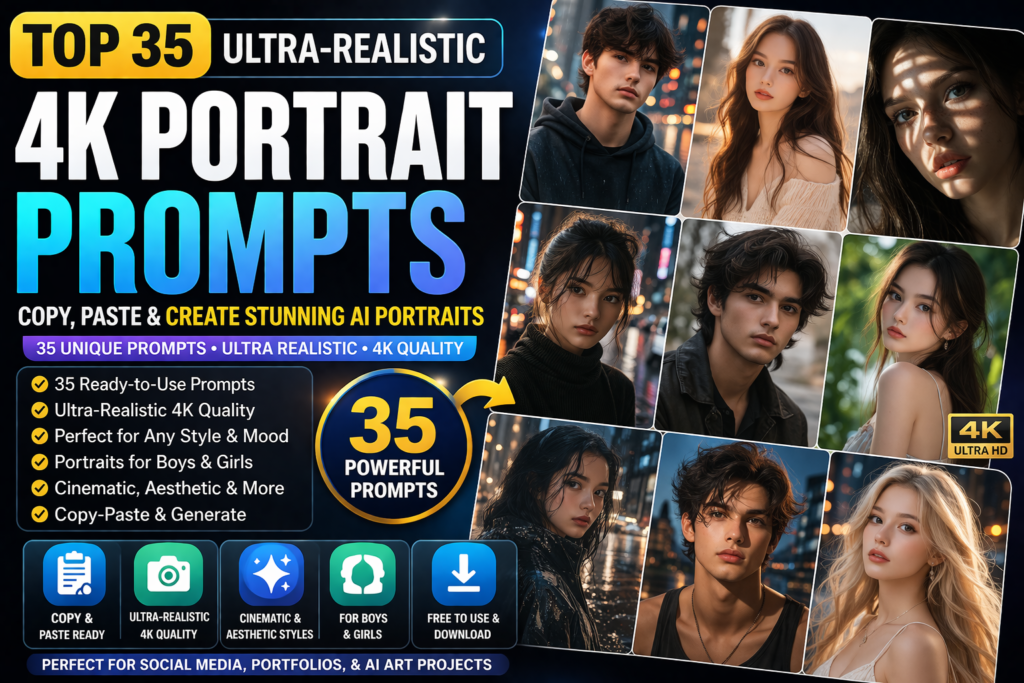
Top 35 Ultra-Realistic 4K Portrait Prompts 2026 (Copy & Paste)
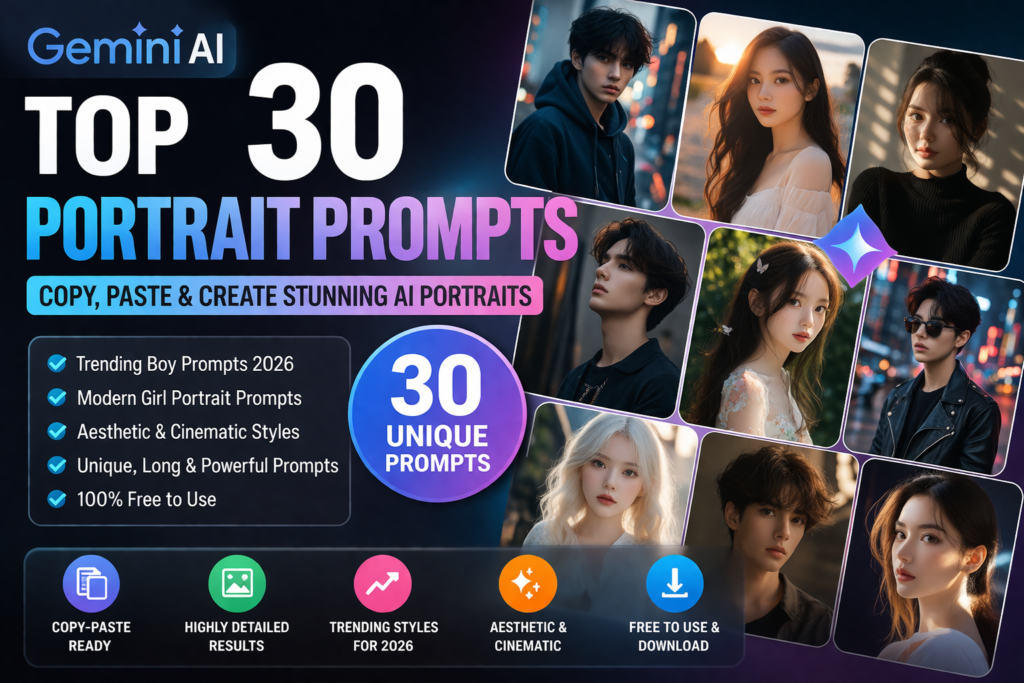
Top 30 Gemini AI Portrait Prompts 2026 (Copy & Paste for Boys, Girls, Aesthetic and Trending Styles)
Copied!