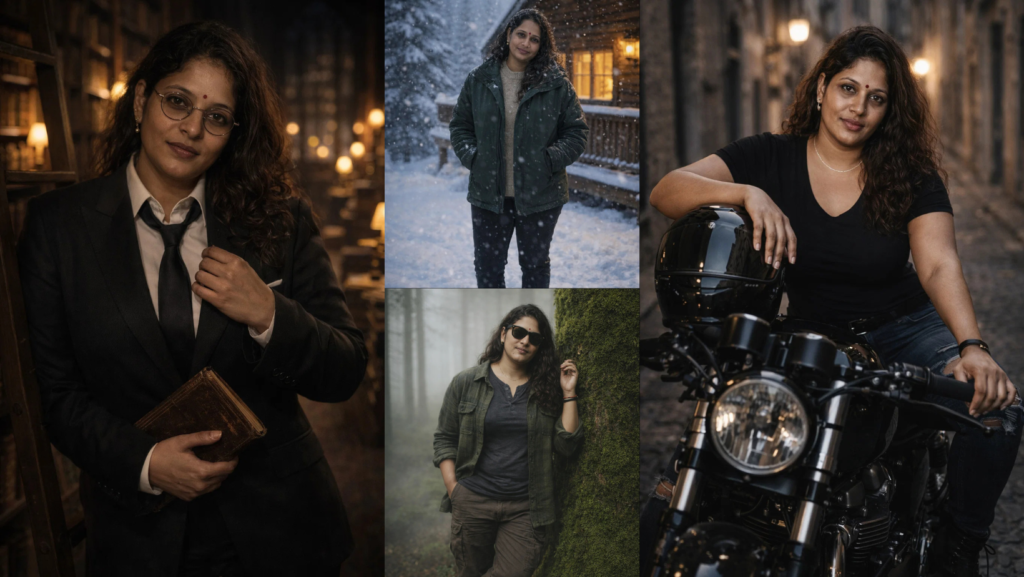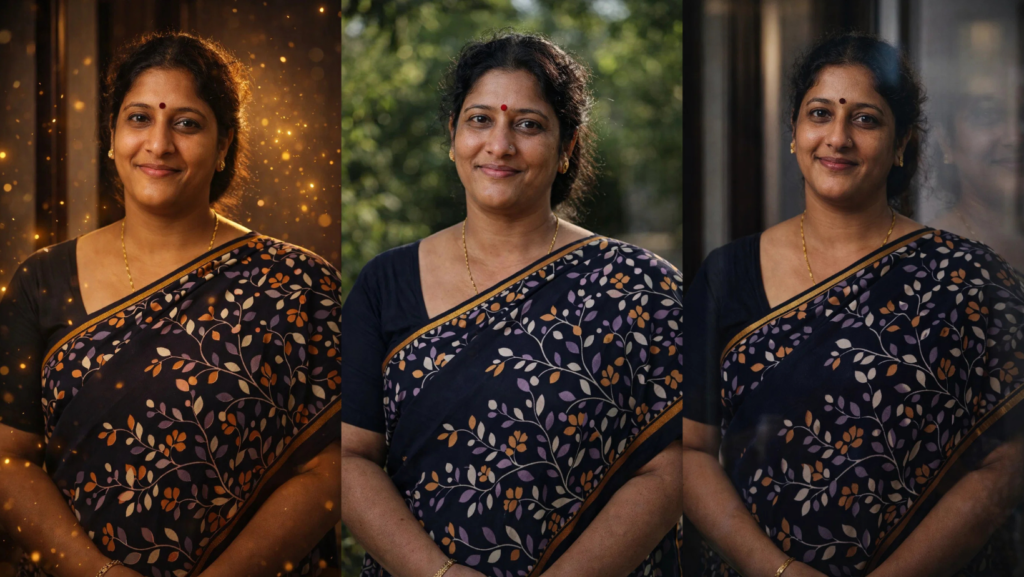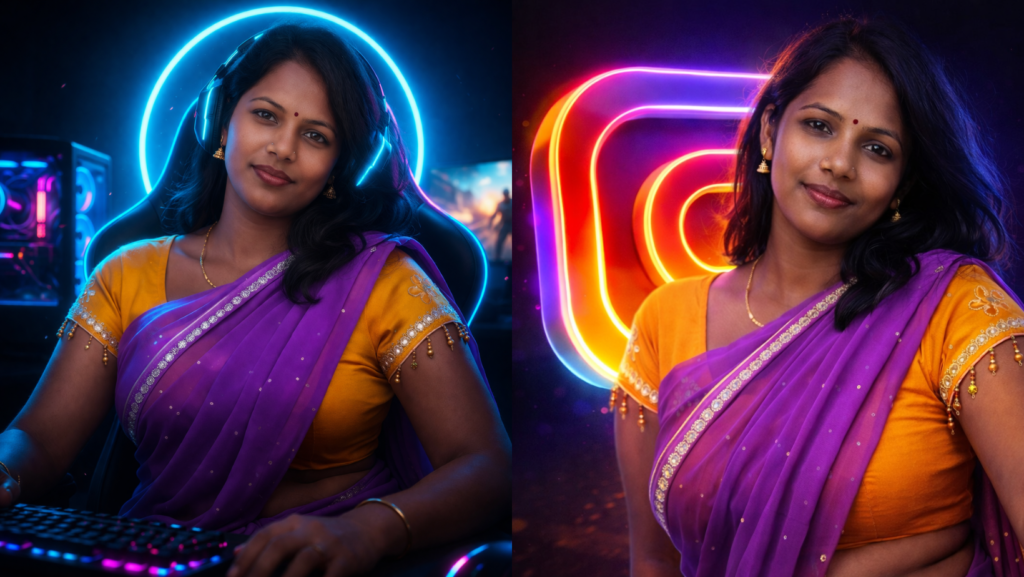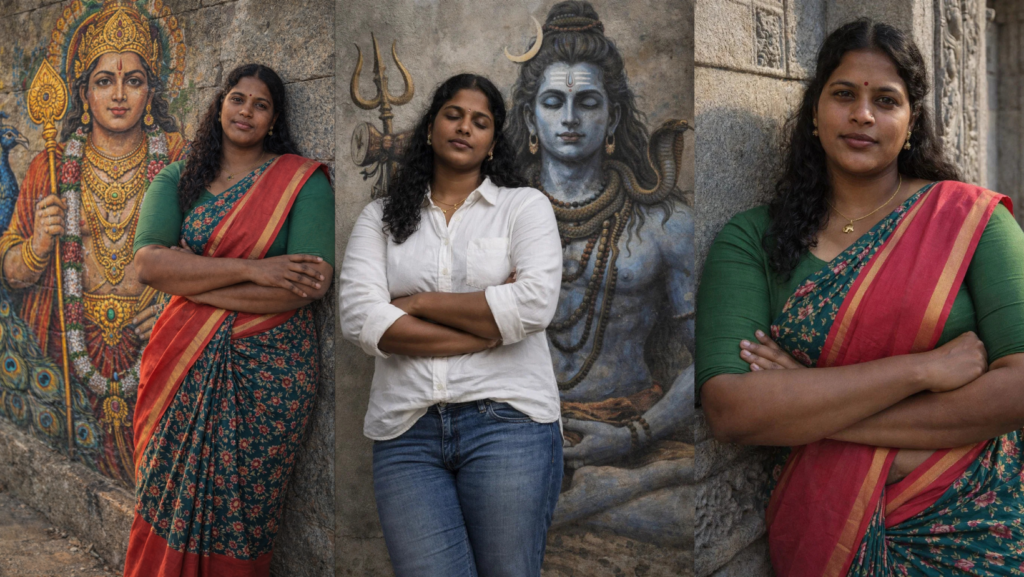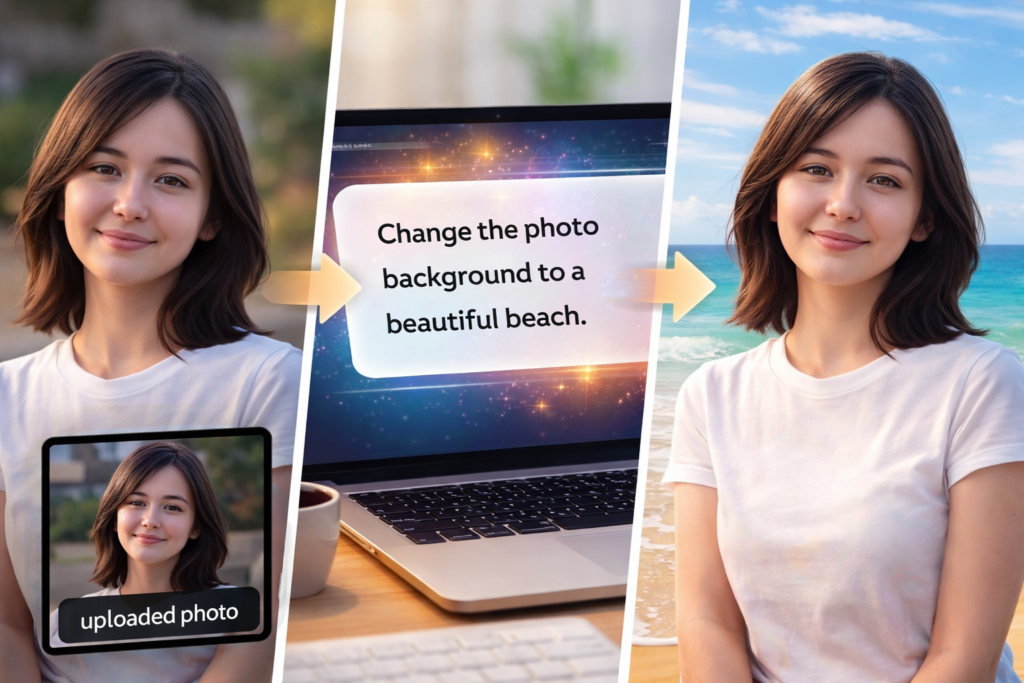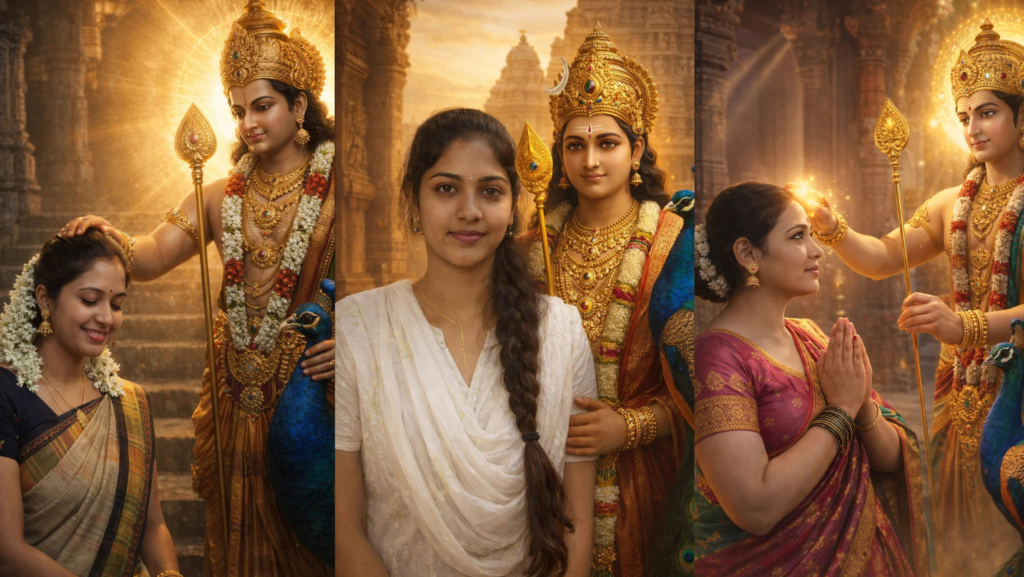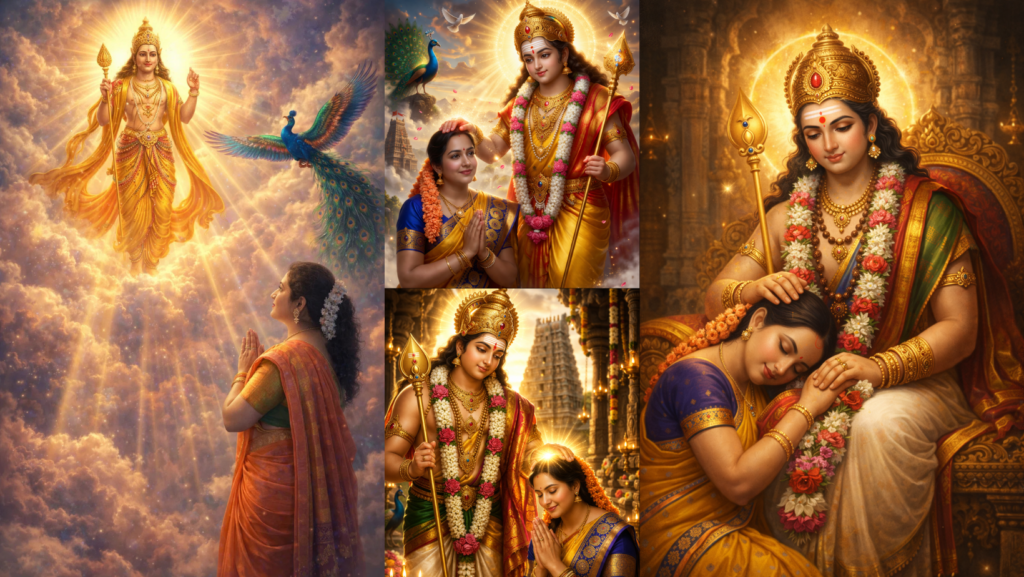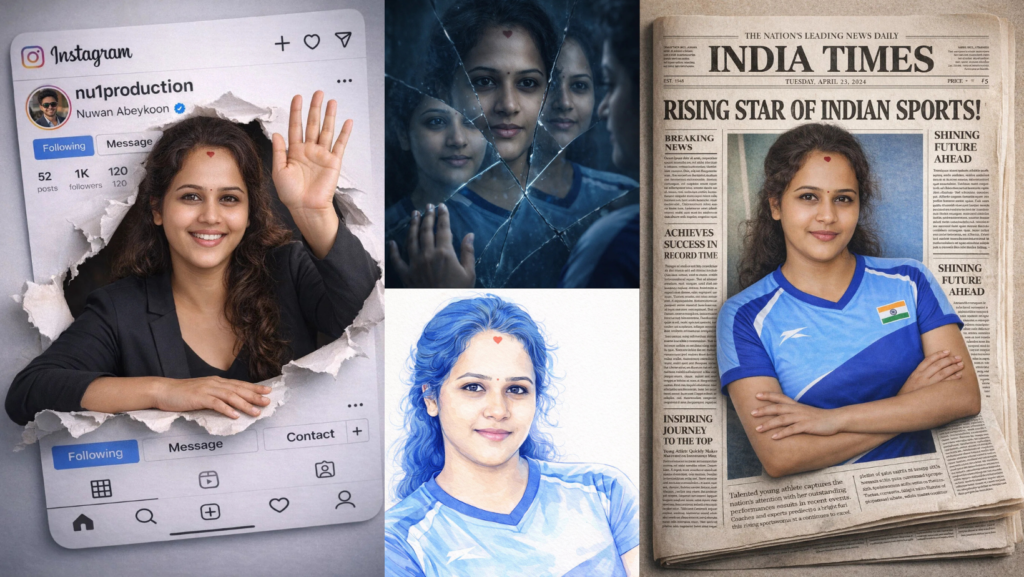
These Gemini photo editing prompts are designed for users who want to upload their own image and instantly transform it into something unique. Every prompt below is written so the uploaded image remains the main face and identity.
The user only needs to:
- Upload their image
- Replace
[he/she]and[his/her] - Optionally change
[color] - Paste the prompt directly into Gemini image editing
Use this line at the beginning of every prompt:
“Use the uploaded image as the face and identity reference. Keep the exact same facial features, expression, hairstyle, skin tone, and overall identity from the uploaded image. Make sure [he/she] still clearly looks like the same person.”
1. Notebook Ink Sketch Portrait
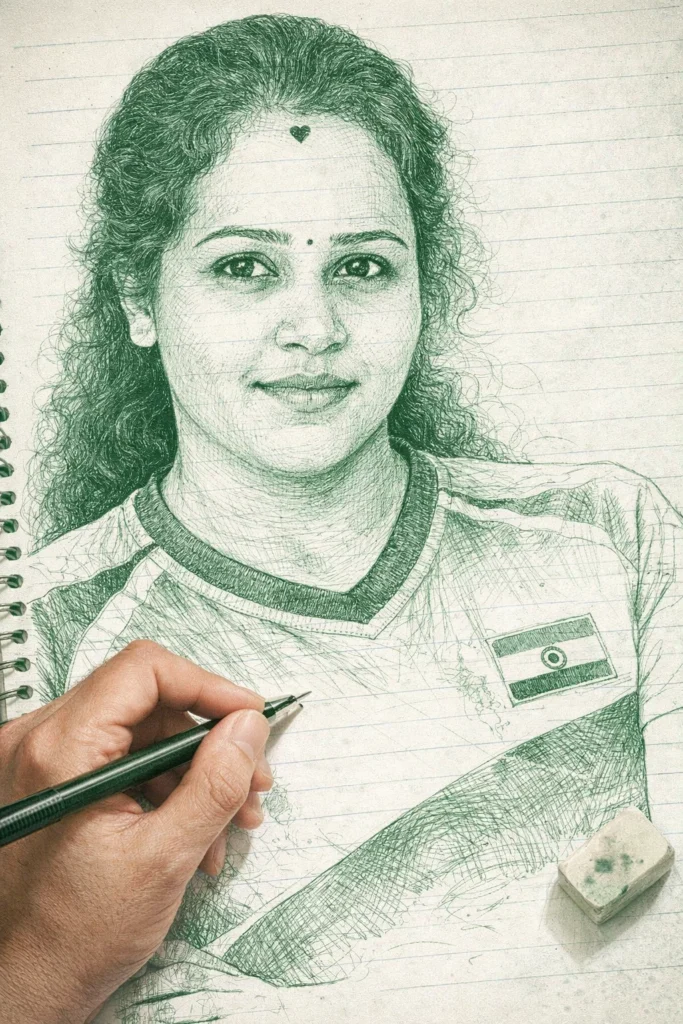
Create a photo-style line drawing and ink sketch of the uploaded person. Keep every facial feature, expression, hairstyle, and proportion exactly the same as the uploaded image. Draw the portrait using only green and white ink tones with extremely intricate fine-line detailing. The drawing should appear on a slightly messy notebook-page background with visible paper texture and light notebook lines. Add a realistic right hand holding a pen and an eraser near the sketch, as if an artist is still working on it. Keep the sketch partially complete with a few unfinished areas for realism. High-detail pen strokes, realistic shading, realistic notebook paper, artistic and hand-drawn appearance.
2. DreamWorks-Style 3D Cartoon Character
![Transform the uploaded person into a stylized 3D cartoon character while keeping the same face and identity. Keep the exact skin tone, eye shape, eyebrows, mouth shape, hair, and face structure from the uploaded image. Add a huge joyful smile, oversized expressive eyes, slightly exaggerated cheekbones and jawline, and subtle realistic stubble texture if present in the original image. The expression should be playful and confident with raised eyebrows and a slight head tilt. Use soft studio lighting with a small rim light behind the character. Place [him/her] in front of a clean blurred background. The final result should look like a high-end DreamWorks or Pixar-style hero character, ultra-detailed, colorful, realistic cartoon shading, and perfect anatomy.](https://askaiworld.com/wp-content/uploads/2026/03/DreamWorks-Style-3D-Cartoon-Character-683x1024.webp)
Transform the uploaded person into a stylized 3D cartoon character while keeping the same face and identity. Keep the exact skin tone, eye shape, eyebrows, mouth shape, hair, and face structure from the uploaded image. Add a huge joyful smile, oversized expressive eyes, slightly exaggerated cheekbones and jawline, and subtle realistic stubble texture if present in the original image. The expression should be playful and confident with raised eyebrows and a slight head tilt. Use soft studio lighting with a small rim light behind the character. Place [him/her] in front of a clean blurred background. The final result should look like a high-end DreamWorks or Pixar-style hero character, ultra-detailed, colorful, realistic cartoon shading, and perfect anatomy.
3. Single-Color Watercolor Marker Portrait
![Create a stylish dynamic portrait of the uploaded person using watercolor markers and sketch-style illustration. Keep the face exactly the same as the uploaded image. Use only one [color] color family in multiple shades: one bright vivid version of the color for important contour lines and details, and one very soft pastel version of the same color for shadows and volume. Use maximum white space around the portrait with almost all of the background left blank. Do not use dark colors. The marker strokes should be clean, long, and smooth without overlapping too much. Add slight paper texture and a modern artistic camera angle. The final image should feel bold, graphic, minimal, and stylish.](https://askaiworld.com/wp-content/uploads/2026/03/Single-Color-Watercolor-Marker-Portrait-683x1024.webp)
Create a stylish dynamic portrait of the uploaded person using watercolor markers and sketch-style illustration. Keep the face exactly the same as the uploaded image. Use only one [color] color family in multiple shades: one bright vivid version of the color for important contour lines and details, and one very soft pastel version of the same color for shadows and volume. Use maximum white space around the portrait with almost all of the background left blank. Do not use dark colors. The marker strokes should be clean, long, and smooth without overlapping too much. Add slight paper texture and a modern artistic camera angle. The final image should feel bold, graphic, minimal, and stylish.
4. Instagram Page 3D Paper Tear Effect
![Create a hyper-realistic 3D image of the uploaded person appearing to tear through an Instagram profile page. The uploaded person is smiling and waving with one hand while leaning on the other arm through the ripped paper effect. [He/She] wears a stylish black outfit. The Instagram page should show the username “nu1production” and the profile name “Nuwan Abeykoon” with 1K followers. Add realistic Instagram interface elements, profile photo area, icons, and a partially torn paper frame around the person. The face must stay exactly the same as the uploaded image. Use realistic shadows, depth, paper folds, and dramatic 3D perspective.](https://askaiworld.com/wp-content/uploads/2026/03/Instagram-Page-3D-Paper-Tear-Effect-683x1024.webp)
Create a hyper-realistic 3D image of the uploaded person appearing to tear through an Instagram profile page. The uploaded person is smiling and waving with one hand while leaning on the other arm through the ripped paper effect. [He/She] wears a stylish black outfit. The Instagram page should show the username “nu1production” and the profile name “Nuwan Abeykoon” with 1K followers. Add realistic Instagram interface elements, profile photo area, icons, and a partially torn paper frame around the person. The face must stay exactly the same as the uploaded image. Use realistic shadows, depth, paper folds, and dramatic 3D perspective.
5. WhatsApp Profile Interface Portrait
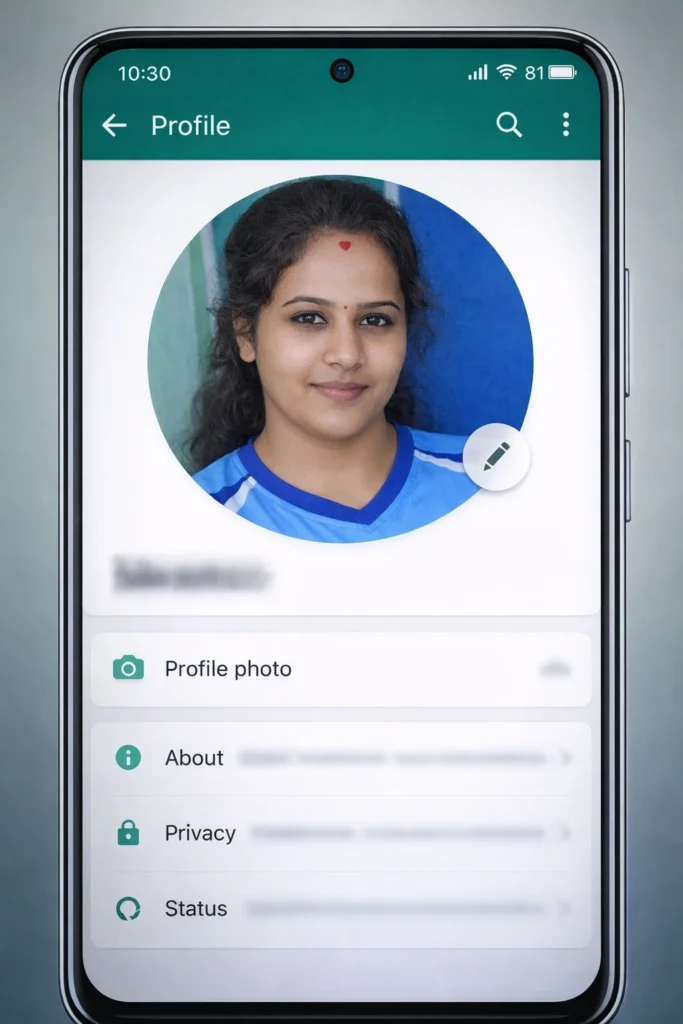
Create a realistic smartphone screenshot-style image showing the uploaded person inside a WhatsApp profile page interface. The face and identity must remain exactly the same as the uploaded image. Show a profile picture at the top with the uploaded face, and below it add blurred menu items such as “Profile picture,” “About,” “Privacy,” and “Status.” Use a clean modern WhatsApp-style layout with green and white colors. Add subtle shadows and realistic phone screen reflections. The person should appear slightly larger than the profile frame as if breaking out from the interface in a stylish 3D effect.
6. Broken Glass Reflection Portrait
![Create a dramatic portrait of the uploaded person standing in front of a cracked mirror. Keep the face exactly the same as the uploaded image. The mirror should be broken into several large pieces, each reflecting a different angle of [his/her] face. Use moody blue-grey lighting and a dark blurred background. Add realistic glass reflections, subtle shadows, and cinematic detail. The person should look calm and thoughtful while touching the cracked mirror with one hand.](https://askaiworld.com/wp-content/uploads/2026/03/Broken-Glass-Reflection-Portrait-683x1024.webp)
Create a dramatic portrait of the uploaded person standing in front of a cracked mirror. Keep the face exactly the same as the uploaded image. The mirror should be broken into several large pieces, each reflecting a different angle of [his/her] face. Use moody blue-grey lighting and a dark blurred background. Add realistic glass reflections, subtle shadows, and cinematic detail. The person should look calm and thoughtful while touching the cracked mirror with one hand.
7. Newspaper Front Page Feature
![Turn the uploaded person into the main feature on the front page of a stylish newspaper. Keep the same face and identity from the uploaded image. Place a large portrait of [him/her] in the center with a dramatic headline above. Add realistic newspaper folds, paper texture, side article columns, and black-and-white print details. The person should appear slightly outside the newspaper frame in a 3D effect, as if stepping out from the page.](https://askaiworld.com/wp-content/uploads/2026/03/Newspaper-Front-Page-Feature-683x1024.webp)
Turn the uploaded person into the main feature on the front page of a stylish newspaper. Keep the same face and identity from the uploaded image. Place a large portrait of [him/her] in the center with a dramatic headline above. Add realistic newspaper folds, paper texture, side article columns, and black-and-white print details. The person should appear slightly outside the newspaper frame in a 3D effect, as if stepping out from the page.
8. Neon Cyberpunk Street Portrait
![Create a cinematic cyberpunk portrait of the uploaded person standing in a rainy neon-lit street at night. Keep the same face, hairstyle, and identity from the uploaded image. [He/She] wears a black futuristic jacket with glowing neon details. Bright pink, blue, and purple lights reflect on the wet street and on [his/her] face. Add blurred neon signs, futuristic buildings, and cinematic rain. The image should feel stylish, futuristic, and highly detailed.](https://askaiworld.com/wp-content/uploads/2026/03/Neon-Cyberpunk-Street-Portrait-683x1024.webp)
Create a cinematic cyberpunk portrait of the uploaded person standing in a rainy neon-lit street at night. Keep the same face, hairstyle, and identity from the uploaded image. [He/She] wears a black futuristic jacket with glowing neon details. Bright pink, blue, and purple lights reflect on the wet street and on [his/her] face. Add blurred neon signs, futuristic buildings, and cinematic rain. The image should feel stylish, futuristic, and highly detailed.
9. Vintage Polaroid Memory Wall
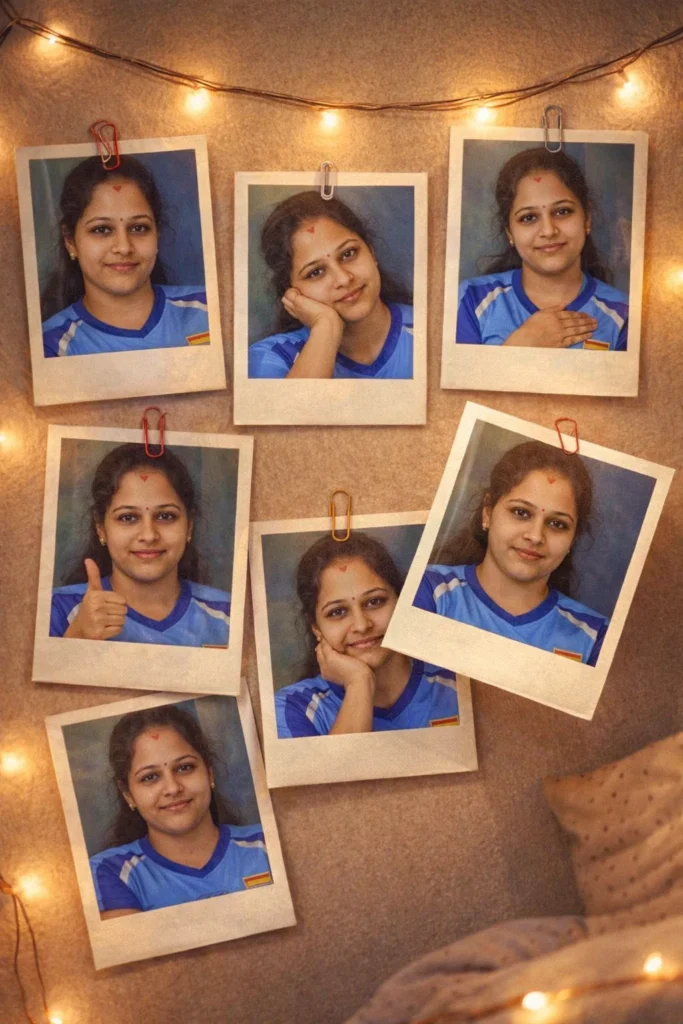
Create an artistic image showing several Polaroid photos pinned to a wall. Every Polaroid should contain the uploaded person in different poses and expressions, but the face must remain identical to the uploaded image. Add string lights, paper clips, shadows, and a cozy bedroom wall background. One Polaroid should appear slightly lifted from the wall in a realistic 3D effect. Soft warm lighting, nostalgic atmosphere, realistic paper texture.
10. Giant Billboard City Portrait
![Create a realistic city scene where the uploaded person appears on a huge billboard in the middle of a busy modern street. Keep the face exactly the same as the uploaded image. The billboard should show [him/her] in a stylish pose wearing fashionable clothes. Add realistic city traffic, glowing lights, blurred people walking below, and reflections on the street after rain. The billboard should dominate the scene and feel cinematic and realistic.](https://askaiworld.com/wp-content/uploads/2026/03/Giant-Billboard-City-Portrait-683x1024.webp)
Create a realistic city scene where the uploaded person appears on a huge billboard in the middle of a busy modern street. Keep the face exactly the same as the uploaded image. The billboard should show [him/her] in a stylish pose wearing fashionable clothes. Add realistic city traffic, glowing lights, blurred people walking below, and reflections on the street after rain. The billboard should dominate the scene and feel cinematic and realistic.
Which Prompt Should You Use?
| If You Want… | Best Prompt |
|---|---|
| Hand-drawn sketch look | Notebook Ink Sketch Portrait |
| Cartoon character version | DreamWorks-Style 3D Cartoon |
| Modern artistic style | Single-Color Watercolor Marker |
| Viral social media effect | Instagram Page 3D Paper Tear |
| WhatsApp profile style | WhatsApp Profile Interface |
| Emotional cinematic edit | Broken Glass Reflection |
| Unique newspaper look | Newspaper Front Page Feature |
| Futuristic aesthetic | Neon Cyberpunk Street |
| Cozy memory collage | Vintage Polaroid Memory Wall |
| Celebrity-style city edit | Giant Billboard City Portrait |
FAQ
How do I use these Gemini photo editing prompts?
Upload your image, copy one prompt, replace [he/she] if needed, and paste it into Gemini.
Can I use these prompts with my own face?
Yes. Every prompt is designed to keep your uploaded face and identity.
Which prompt is best for social media?
The Instagram Page 3D Paper Tear and Giant Billboard City prompts are best for social media-style edits.
Can I change the color in the marker prompt?
Yes. Replace [color] with blue, red, purple, green, orange, or any other color family.
How do I make the image look more realistic?
Add this at the end of any prompt:
“Keep realistic skin texture, natural lighting, accurate facial proportions, no extra fingers, no distorted eyes, and no plastic AI look.”
Some more you might like